Walkthrough
iOSaccount

Native sign-in and account boundary

LoginScreen → SignUpScreen

The real iPhone app explains the account boundary before asking for data

A live walk of the installed Scribe Quest iOS app through sign-in and account creation without submitting credentials or creating an account.

Captured from the actual com.humanquest.scribe iPhone simulator build, version 1.0.5+43, on iOS 26.5. The binary predates the current source HEAD, so no source SHA is claimed.

  1. 01

    Conversation history is explicitly account-scoped

    Launched the real Scribe Quest iPhone app and dismissed the simulator's Apple-account prompt.

    The native sign-in screen offers Google, Apple, and email, says why authentication is required, and delays microphone permission until capture begins.

    LoginScreen
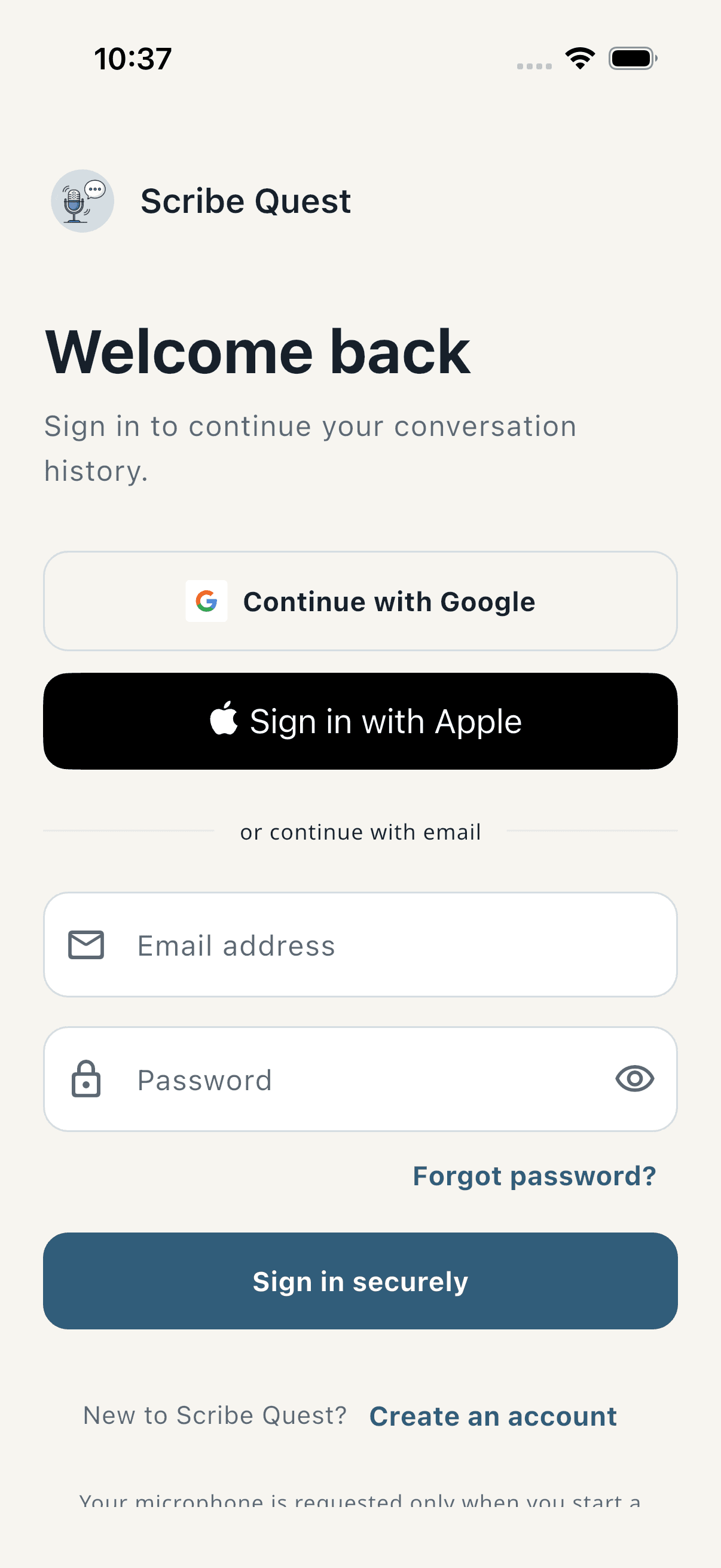
    Scribe Quest native sign-in screen on iPhone
  2. 02

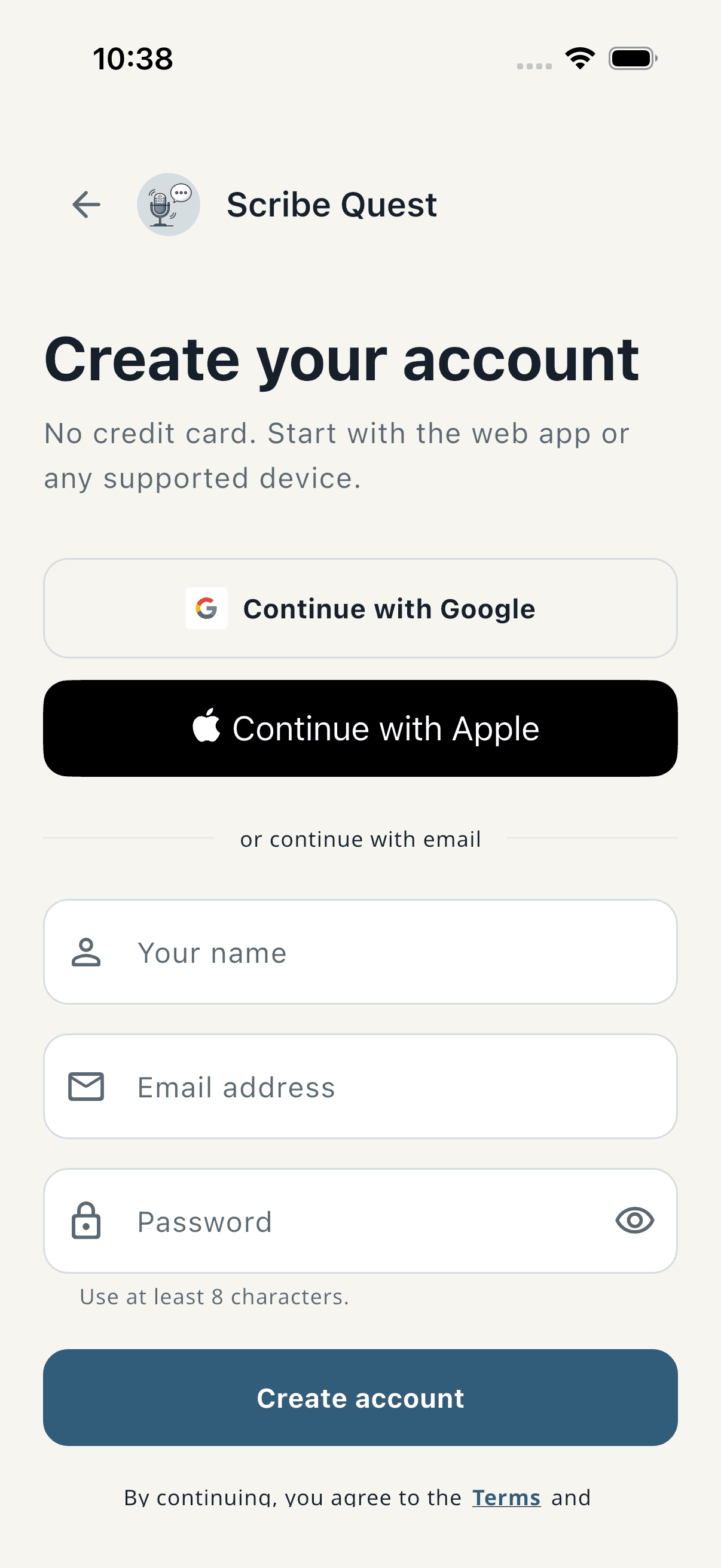
    Account creation is visible without being executed

    Opened Create an account and stopped before entering or submitting information.

    The native surface states that no credit card is required and shows the cross-device account options. No account or personal data was created.

    SignUpScreenNot executed
    Scribe Quest native create account screen on iPhone

What this feature does

  • Native Google, Apple, and email sign-in
  • Explicit microphone timing
  • Cross-device account creation