Webdecks

Slide deck

/sample-slides

A fixed frame a presenter can drive blind

Slide mode renders a deck as composed, fixed-height slides driven by the keyboard, so a presenter with a clicker never scrolls, never reflows and never waits for a page load between slides.

  1. 01

    Title slide, fixed frame

    Opened the slide-mode deck.

    Slide mode is the other half of the product: a fixed-height frame that never scrolls, so every slide is composed rather than flowed. What fits is what the author decided fits.

    /sample-slides
    /sample-slides
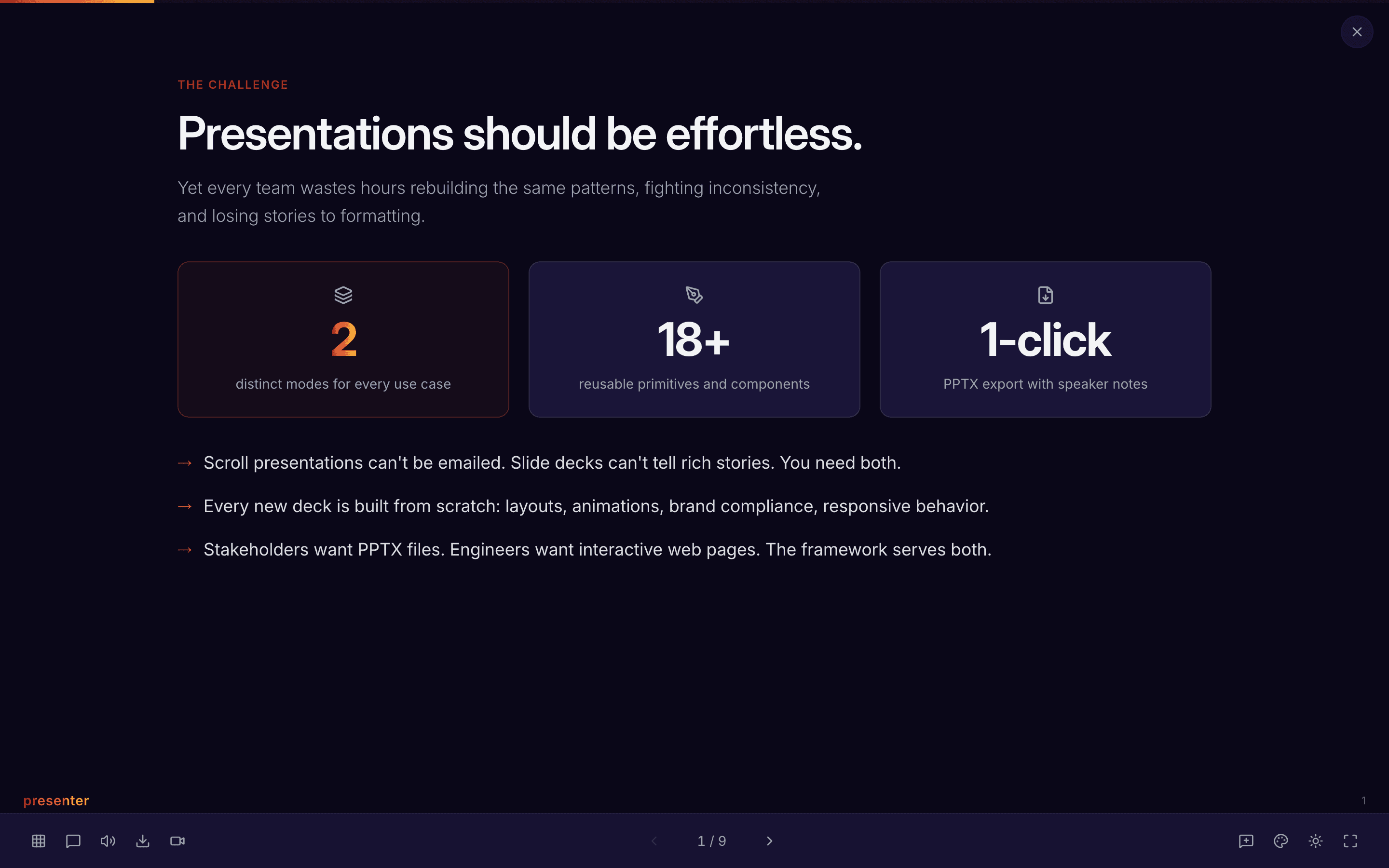
    The title slide of the slide-mode sample deck
  2. 02

    Advancing with the keyboard

    Pressed the right arrow key.

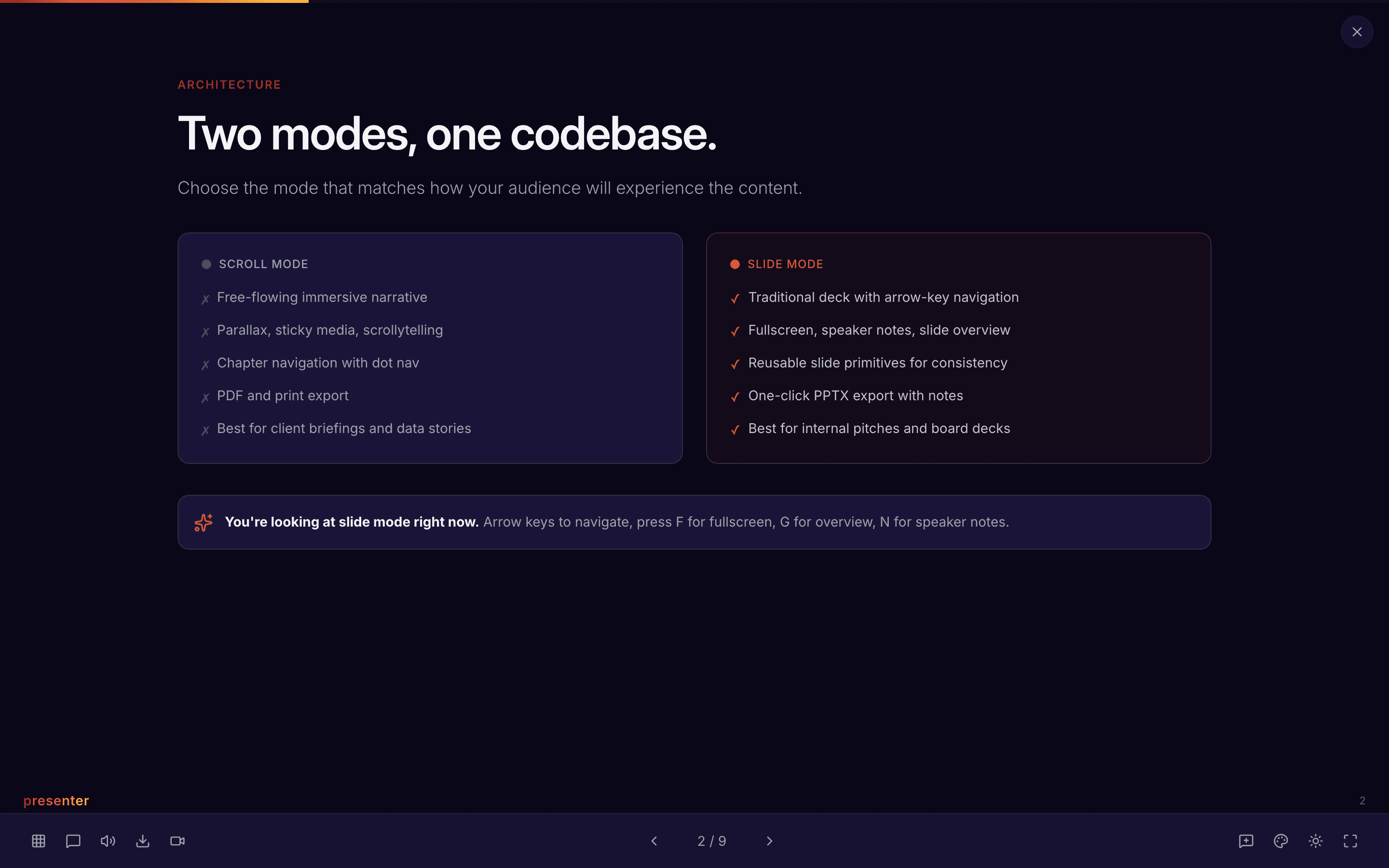
    The right arrow advances the deck, which is what a presenter's clicker sends. The frame stays fixed and only the content inside it changes — no scroll position to lose, no layout reflow between slides.

    /sample-slides
    /sample-slides
    Slide 2 of the sample deck
  3. 03

    And again, without a reload

    Pressed the right arrow key.

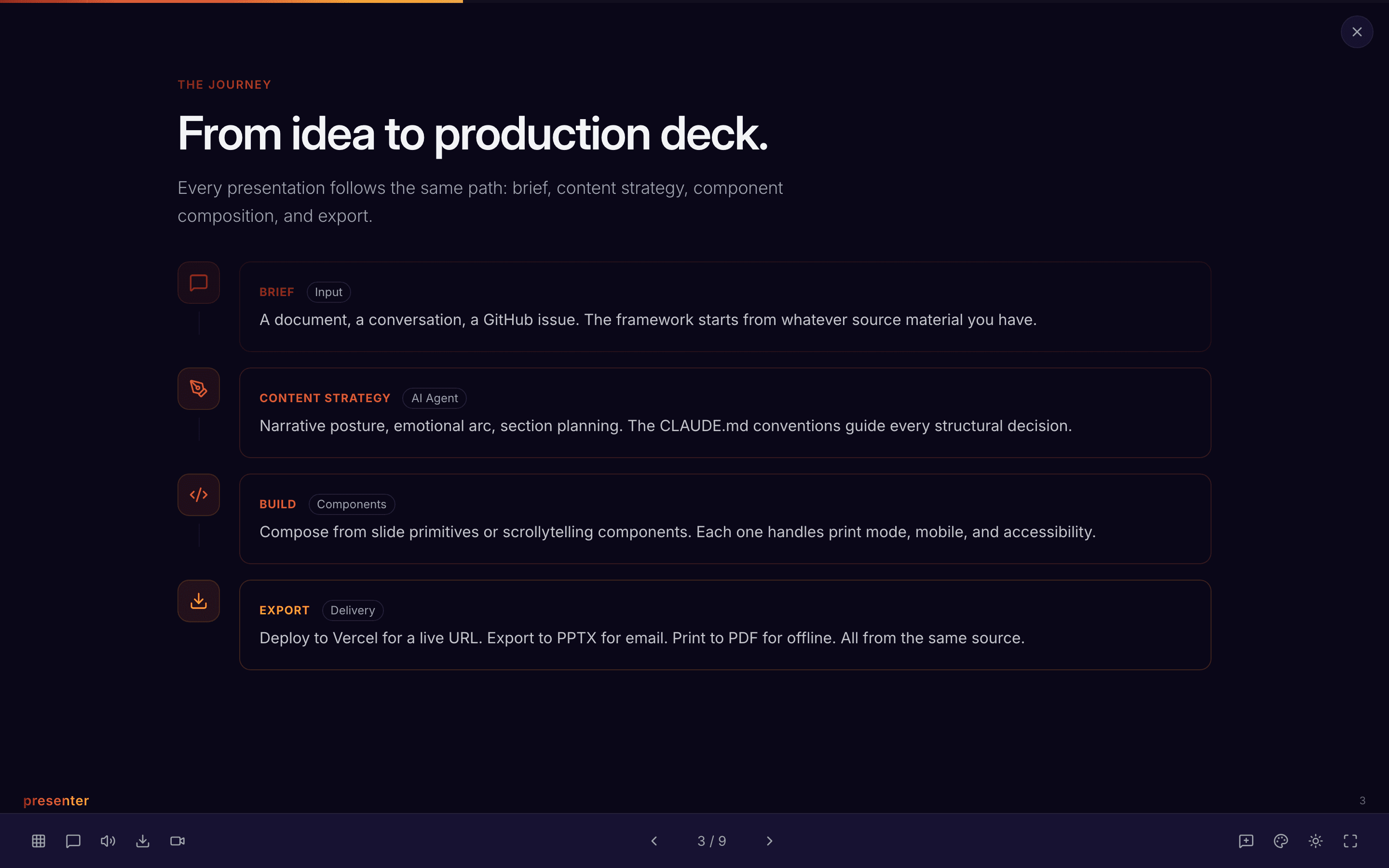
    Successive advances stay within one page: the deck is a single route with slide state, so a presenter never waits for a navigation mid-sentence.

    /sample-slides
    /sample-slides
    Slide 3 of the sample deck

What this feature does

  • Fixed-height slide frame
  • Keyboard/clicker advance without navigation