Webadminadmin

Admin dashboard

/admin

Every deck, its status, and who can see it

The operator surface: presentations with status and visibility, counts for live and protected decks, and the entry points for requesting a new one. Captured in this run without authentication, which is itself the finding — see the open issue.

  1. 01

    The operator's view of every deck

    Opened /admin in a browser context with no cookies.

    The admin dashboard lists every presentation with its status, customer and date, plus counts for live, password-protected and pending decks. This capture was taken without signing in. The middleware only enforces the admin gate when ADMIN_PASSWORD is set in the environment, and it is unset here — so the gate failed open rather than closed. Recorded as an issue; not repaired by this walk.

    /admin
    /admin
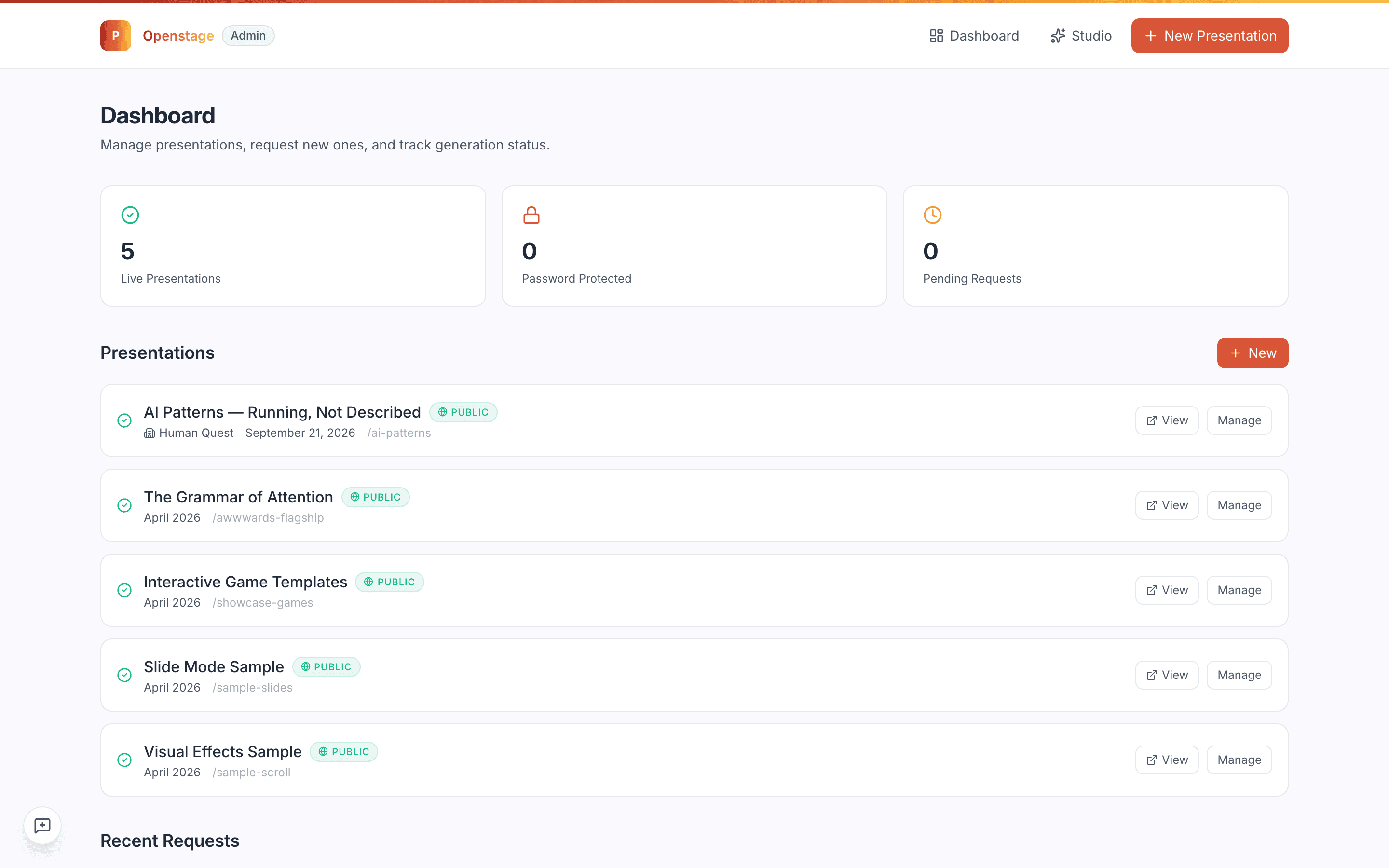
    The Openstage admin dashboard listing presentations and status counts
  2. 02

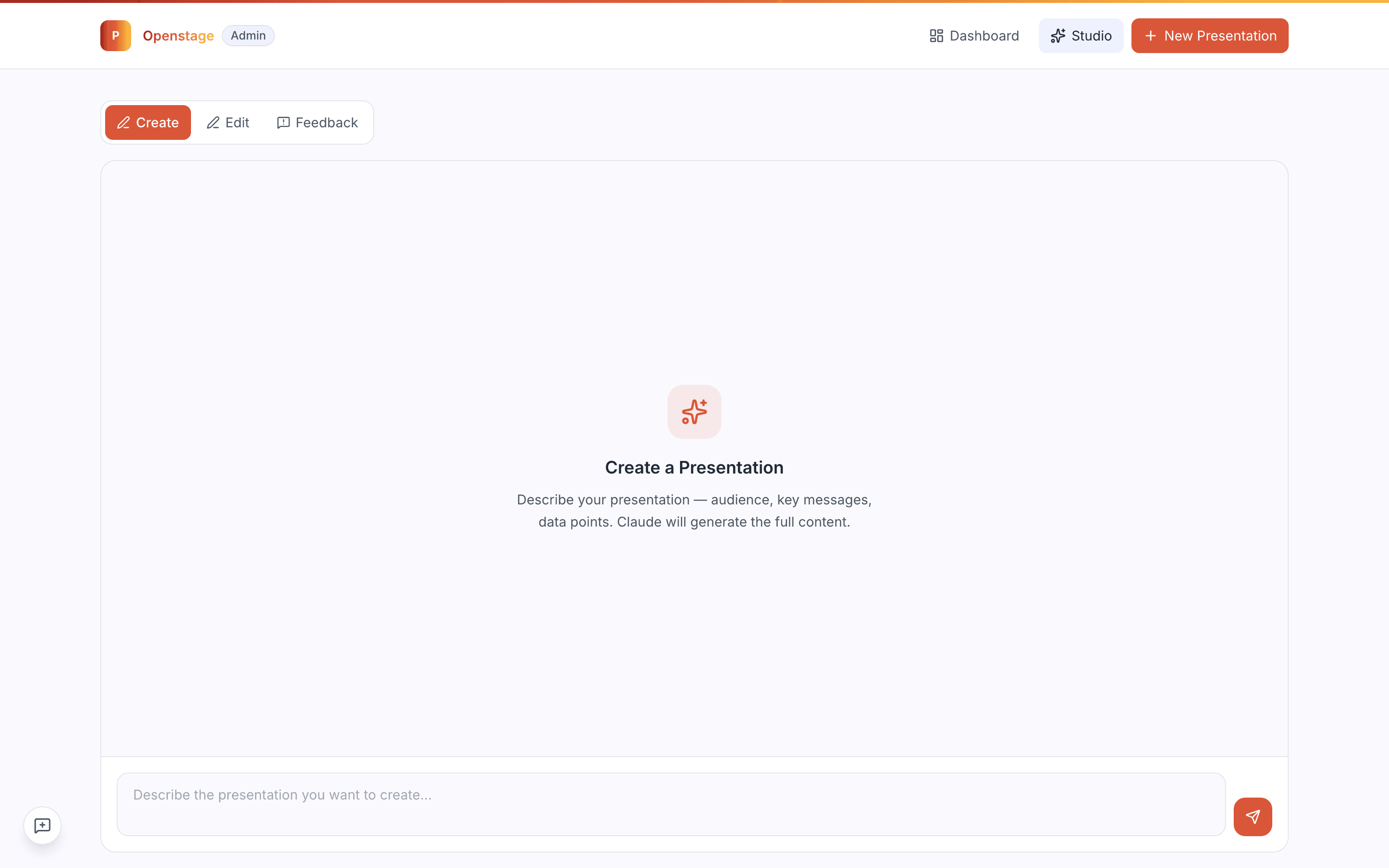
    Studio, one click away

    Clicked "Studio" in the admin navigation.

    The Studio is where a deck is actually composed, and it sits behind the same gate as the dashboard — which is the point of recording the gate failure as a blocker rather than a curiosity. Everything an operator can do is one click from the page that let us in without a password.

    /admin/studio
    /admin/studio
    The Openstage admin studio

What this feature does

  • Presentation inventory with draft/live status
  • Live, protected and pending counts