iOSonboarding

Native baseline and goal setting

OnboardingPage1 → AuthPicker

From first launch to a measurable first handstand goal

A live walk through the actual native iPhone app: welcome, current ability, suggested targets, and the account boundary used to sync progress.

Built from the current dirty Handstand Quest checkout using an iOS 17 deployment-target override required by its current AVAudioApplication usage. Existing uncommitted product changes were preserved and are part of the binary under test. No account was created.

  1. 01

    The native app starts with the training journey

    Built and launched Handstand Quest on an isolated iPhone simulator.

    The real iOS app frames handstand progress as a climb and begins with a three-step setup rather than dropping Jordan into a generic exercise catalog.

    OnboardPage1ViewController
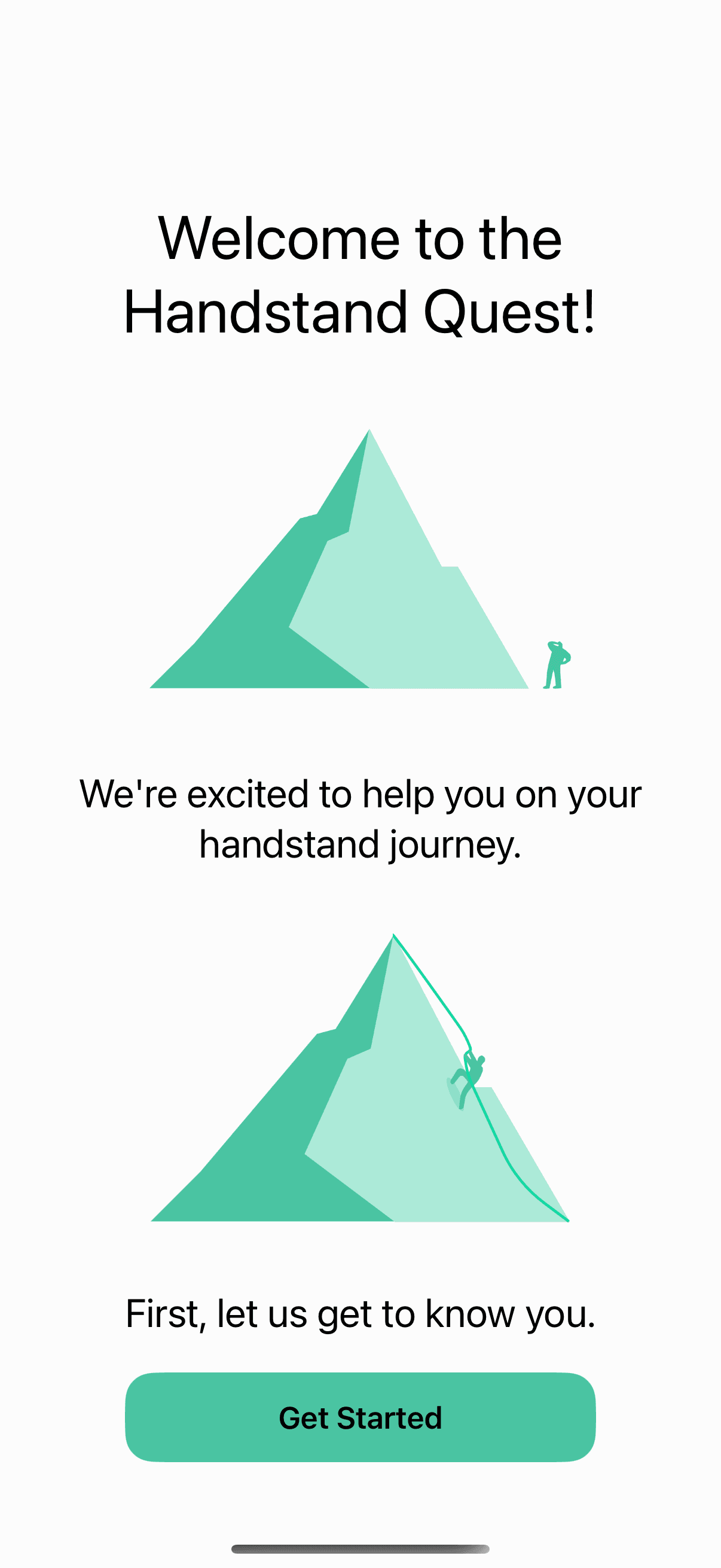
    Handstand Quest native iPhone welcome screen
  2. 02

    Ability is captured in training language

    Tapped Get Started.

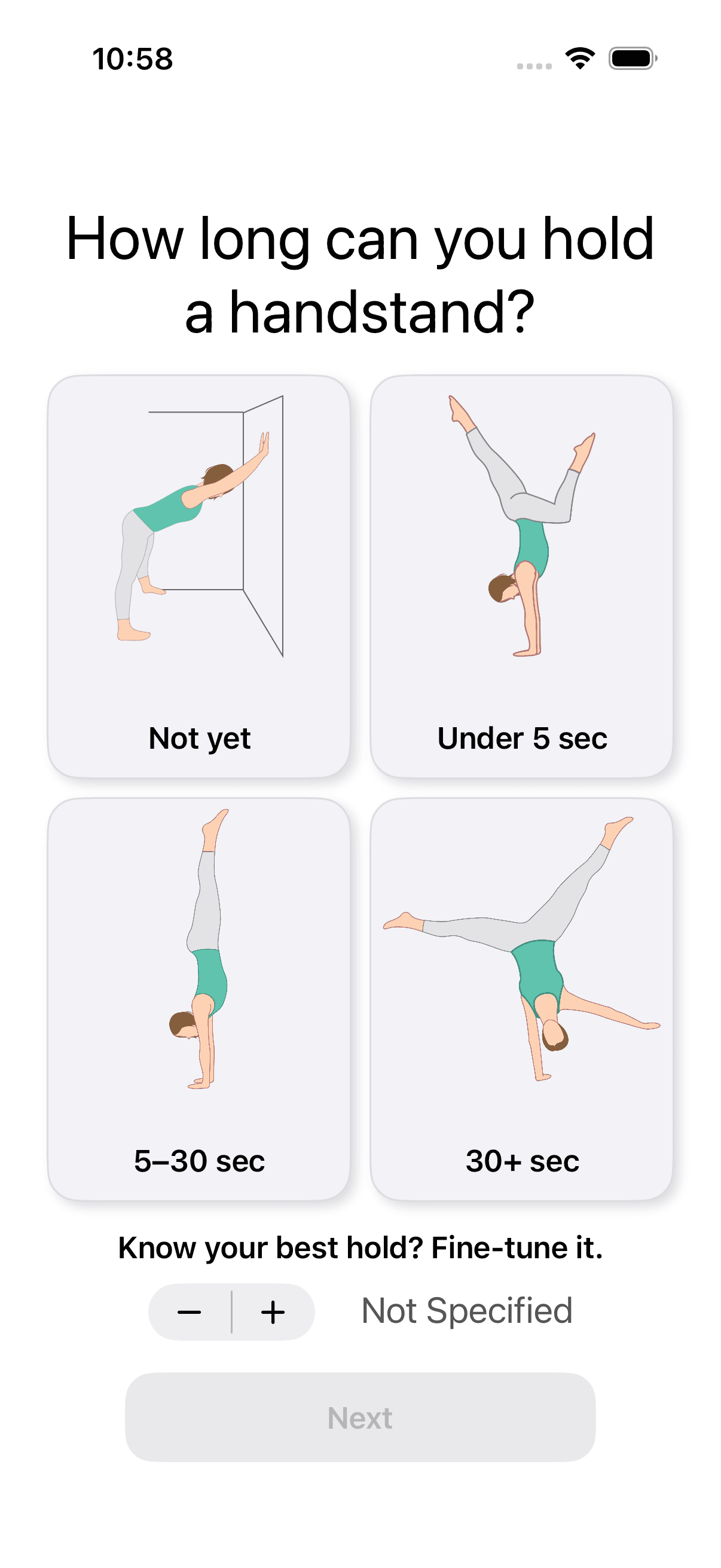
    The native app asks for a practical baseline: not yet, under five seconds, five to thirty, thirty-plus, or a fine-tuned best hold.

    OnboardPage2ViewController
    Handstand Quest native baseline choices
  3. 03

    A beginner receives concrete first goals

    Selected working toward a first handstand and continued.

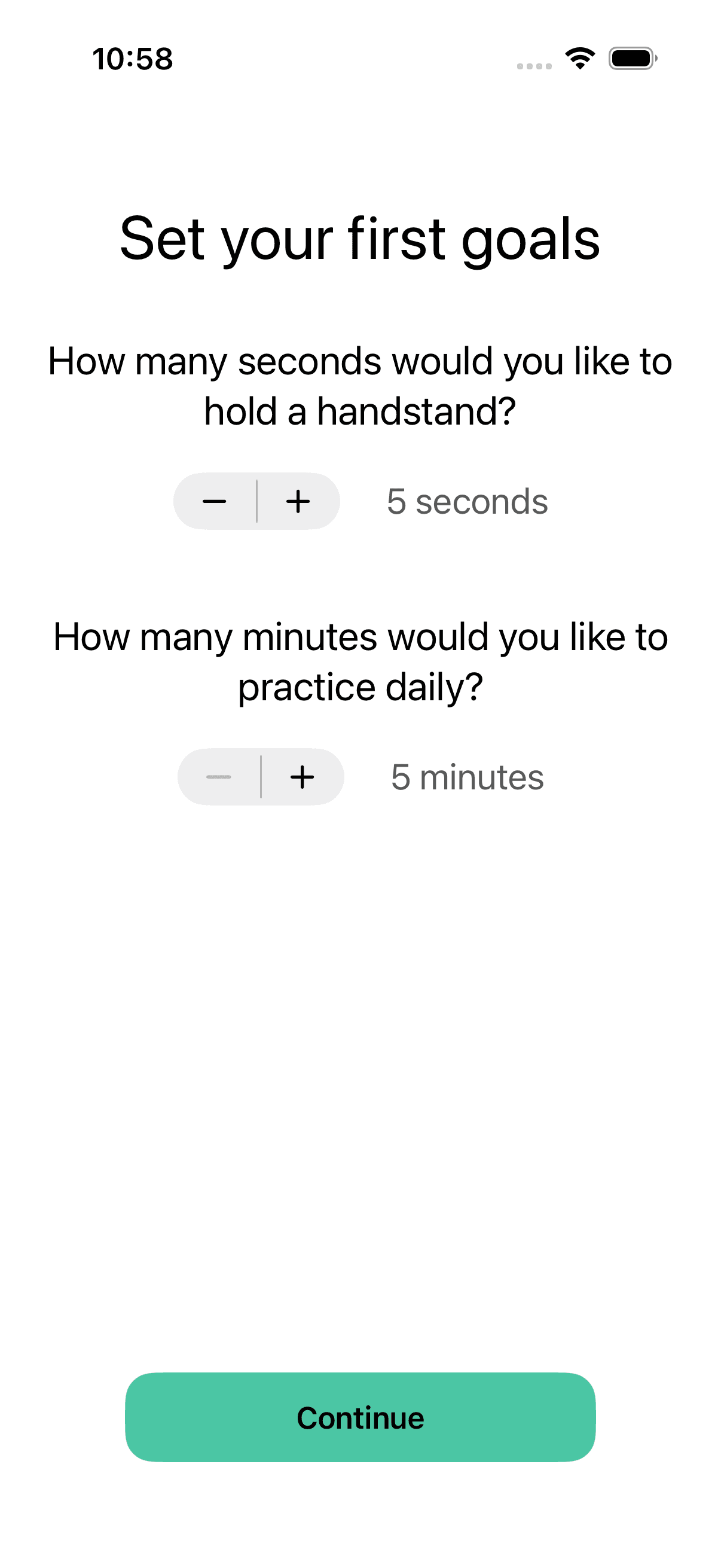
    The app proposes a five-second hold target and five minutes of daily practice, making the plan measurable while keeping both values adjustable.

    OnboardPage3ViewController
    Handstand Quest native five-second and five-minute goals
  4. 04

    Sync is offered after value is established

    Tapped Continue and stopped before choosing an identity provider.

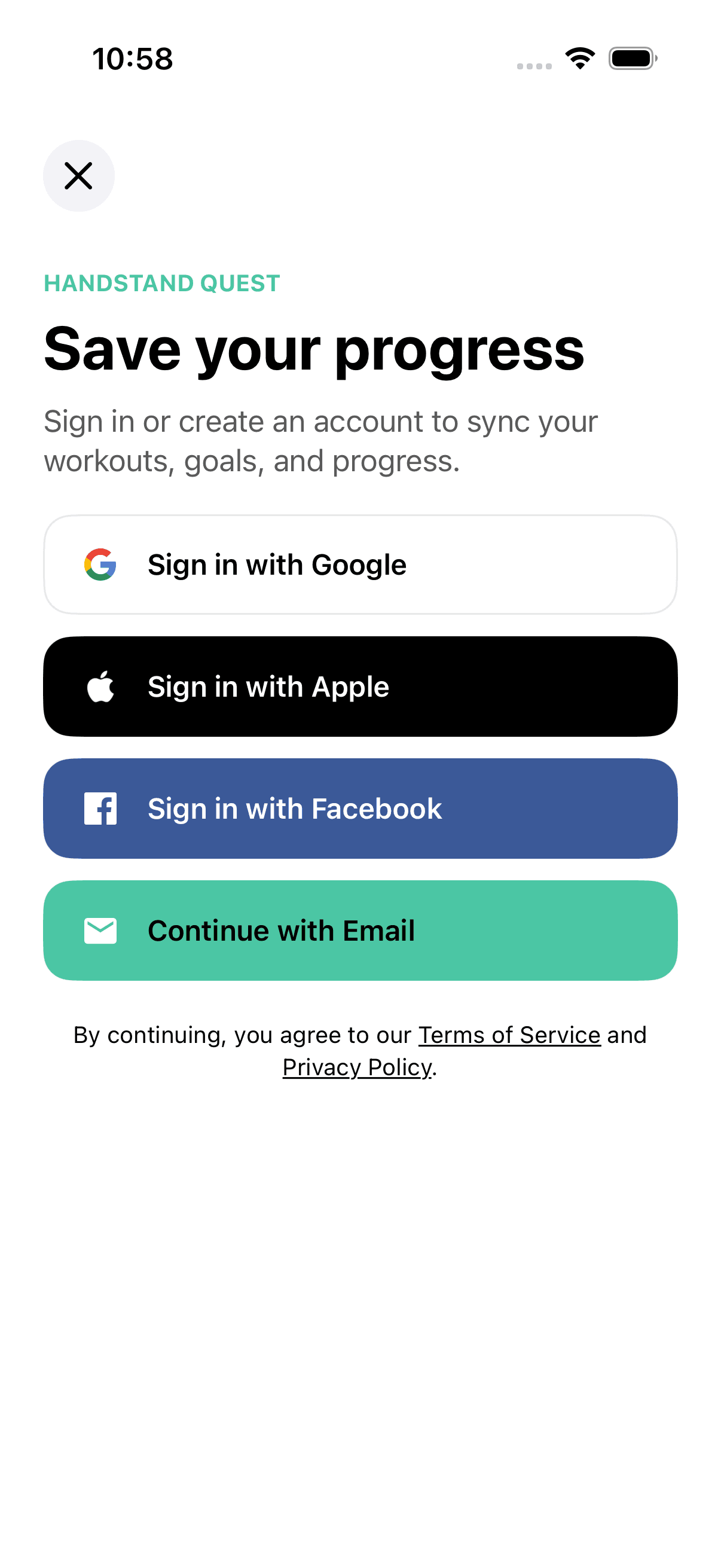
    Google, Apple, Facebook, and email are offered to sync workouts, goals, and progress. No account was selected or created.

    AuthPickerViewControllerNot executed
    Handstand Quest native Save your progress sign-in screen

What this feature does

  • Native ability baseline
  • Suggested hold goal
  • Suggested daily-practice goal
  • Cross-provider progress sync