01
Plan the class as an arc
Launched Yoga Quest from a freshly cleared app container.
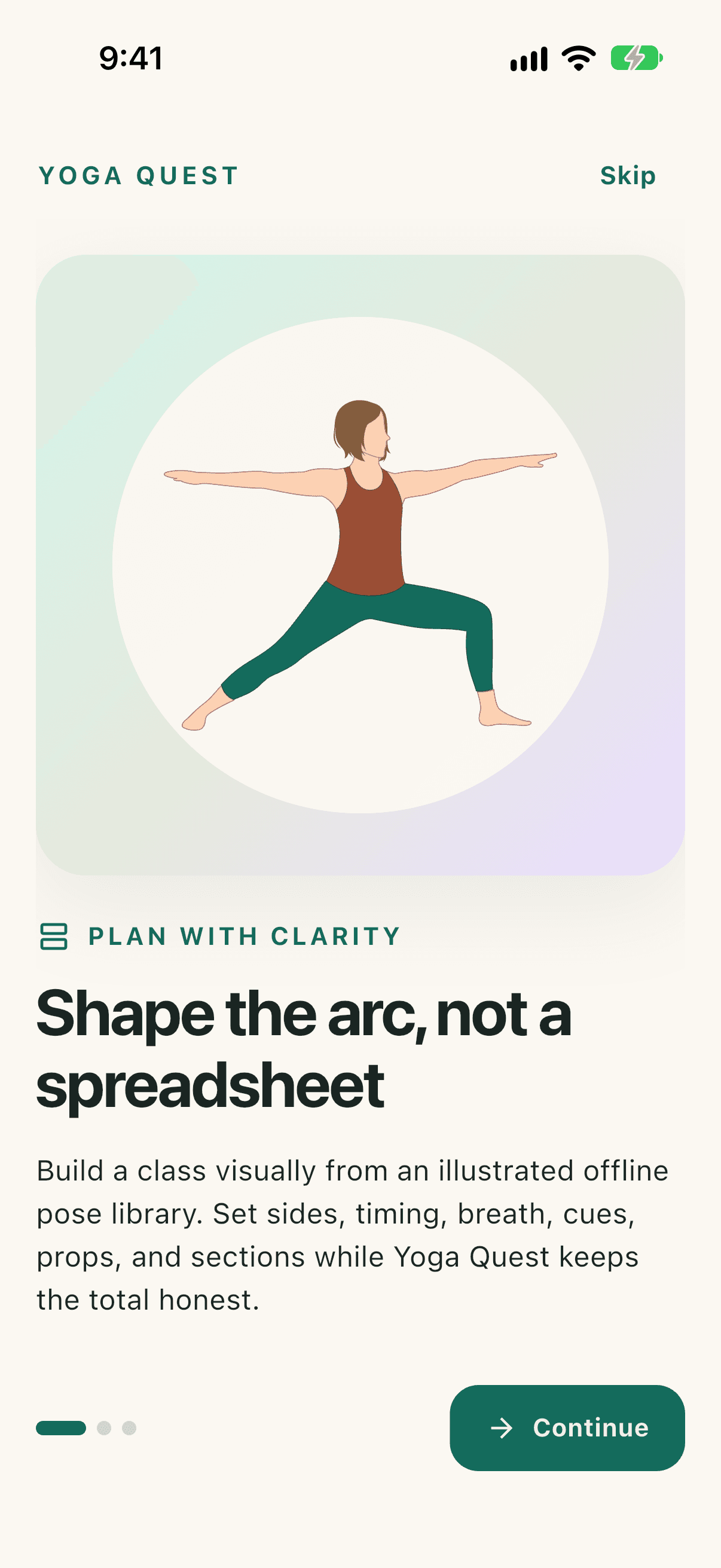
The native onboarding opens with the product's visual class-planning model: build a sequence, shape its arc, then teach from it.
OnboardingScreen
OnboardingScreen → HomeShell
A fresh Yoga Quest install explains visual planning, offline Teach Mode, and local-first privacy before opening the native studio with a prepared class.
Captured from a newly built Yoga Quest 1.0.1+12 app on an isolated iPhone 17 Pro simulator running iOS 27.0. The run cleared only that temporary simulator's app container. It did not exercise a physical device, account sync, or a store binary.
Launched Yoga Quest from a freshly cleared app container.
The native onboarding opens with the product's visual class-planning model: build a sequence, shape its arc, then teach from it.
Tapped Continue on the first onboarding screen.
The second native screen introduces Teach Mode as a glanceable class companion with the current pose, the next pose, and timing kept in view.
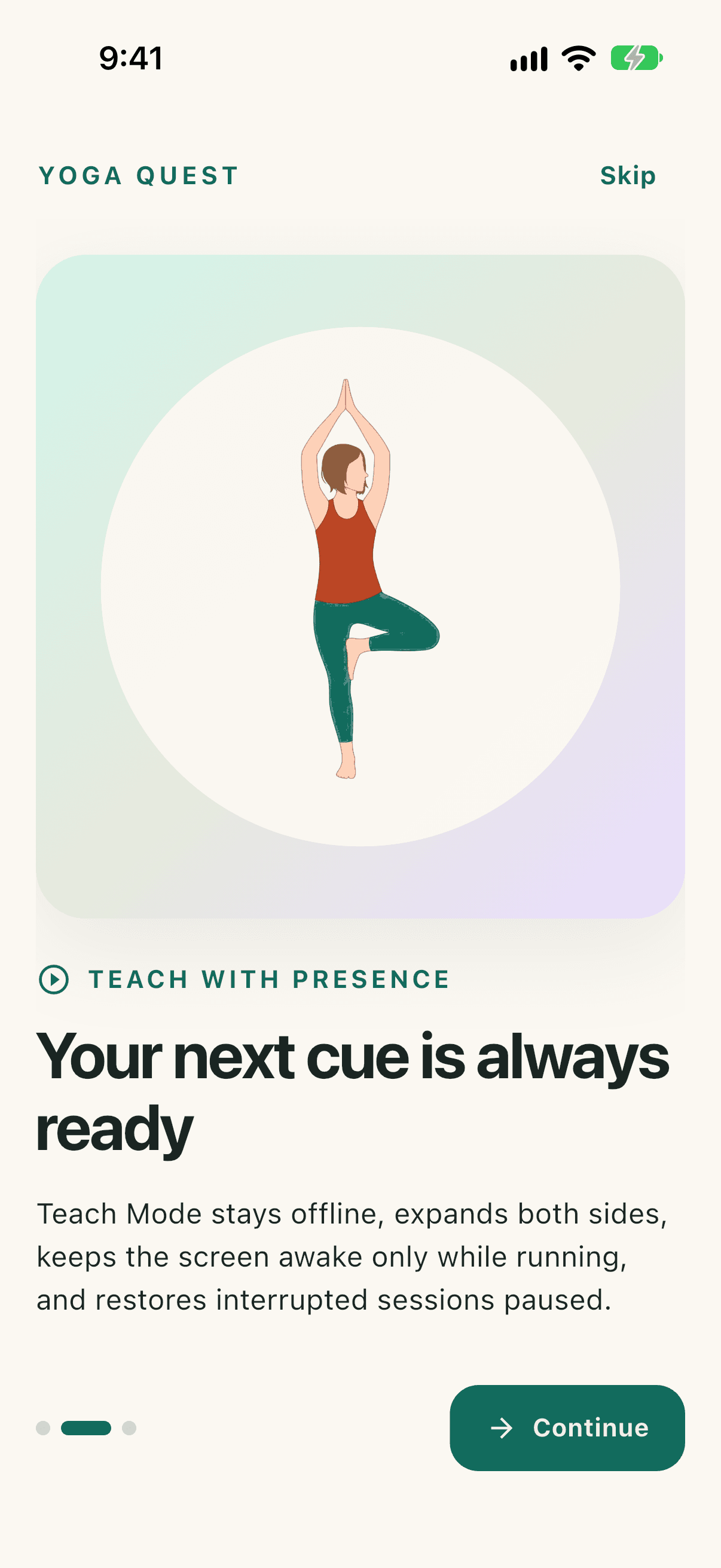
Tapped Continue on the Teach Mode screen.
The final onboarding step makes the local-first model explicit: planning and teaching work without an account, with sync presented as optional.
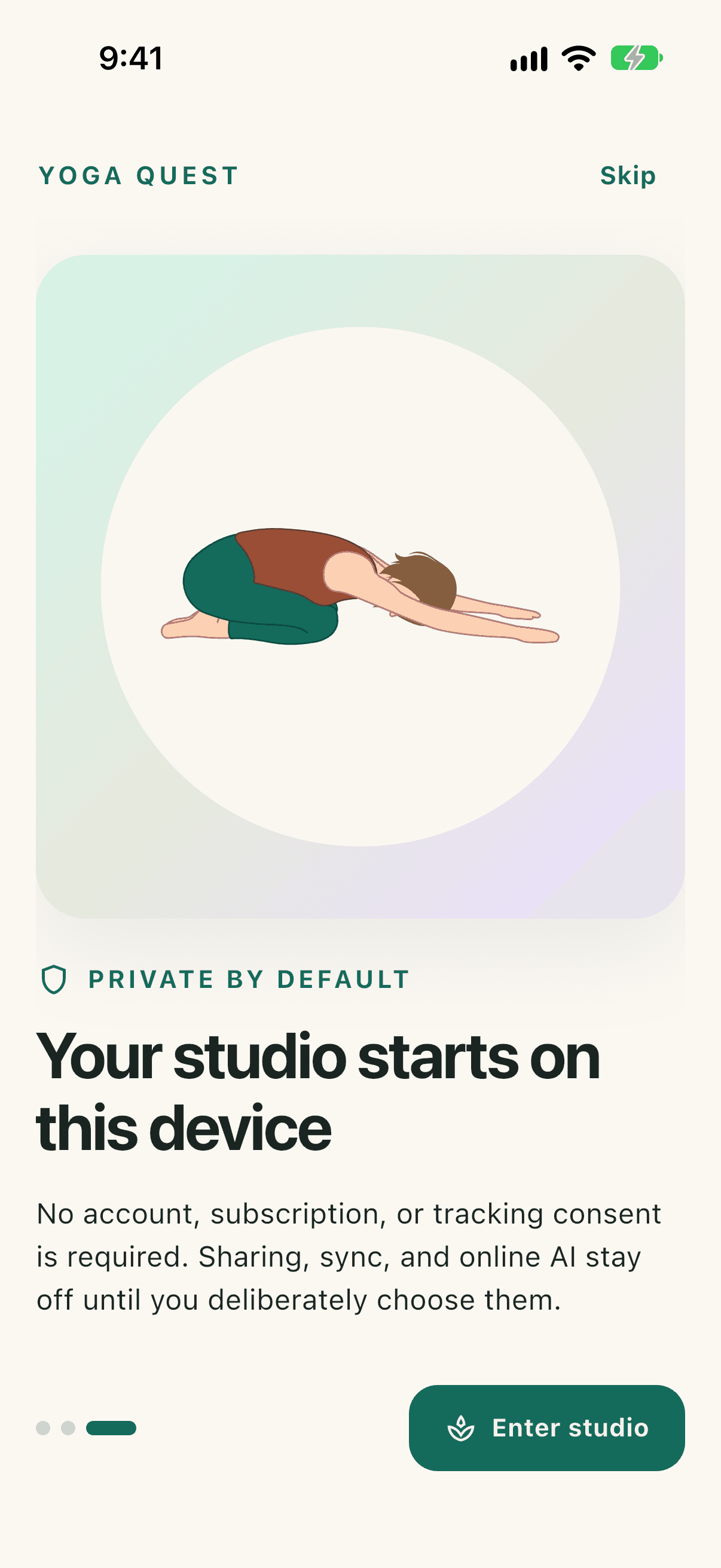
Tapped Enter studio.
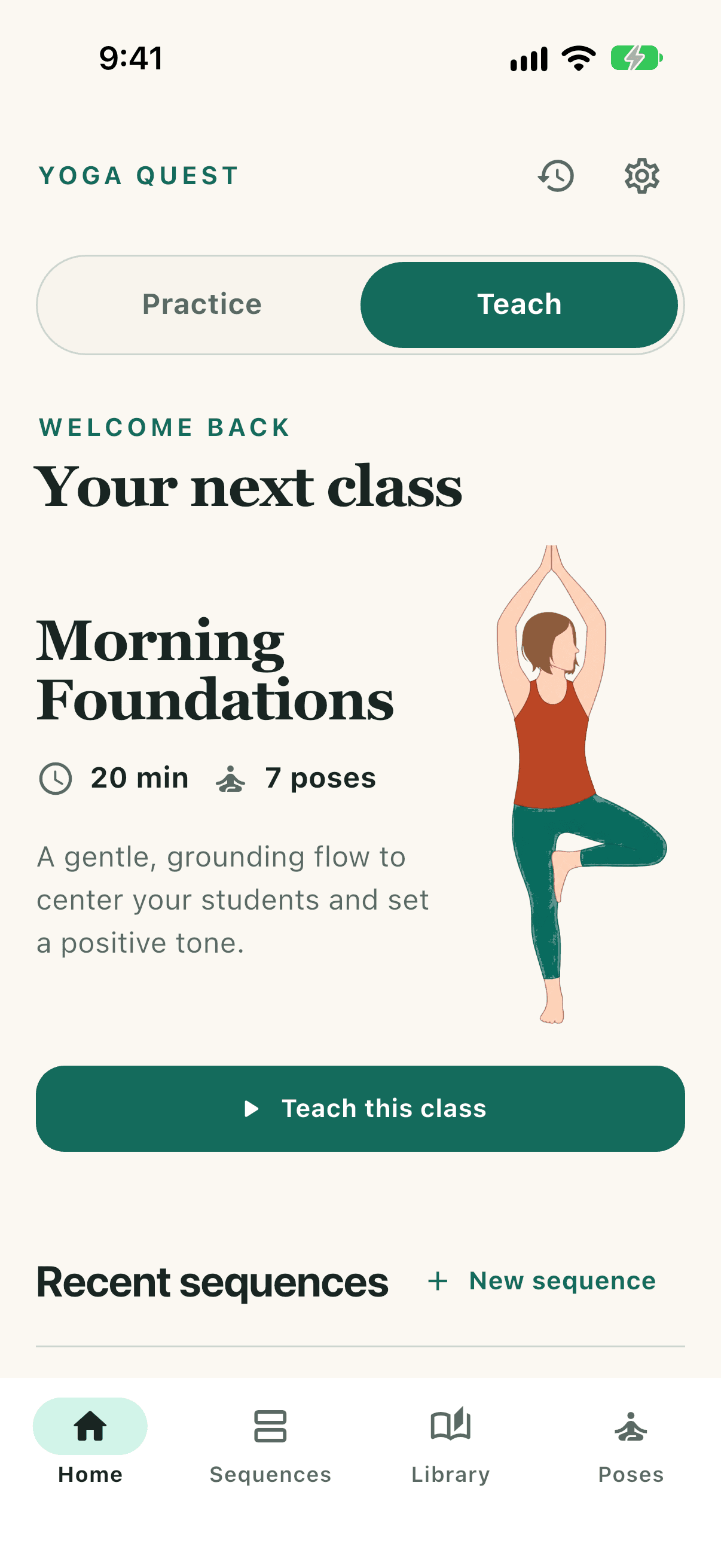
The app lands on the native Studio tab with a prepared class, a prominent Teach this class action, and bottom navigation to Library, Explore, Learn, and profile.