01
The output is meaning and momentum
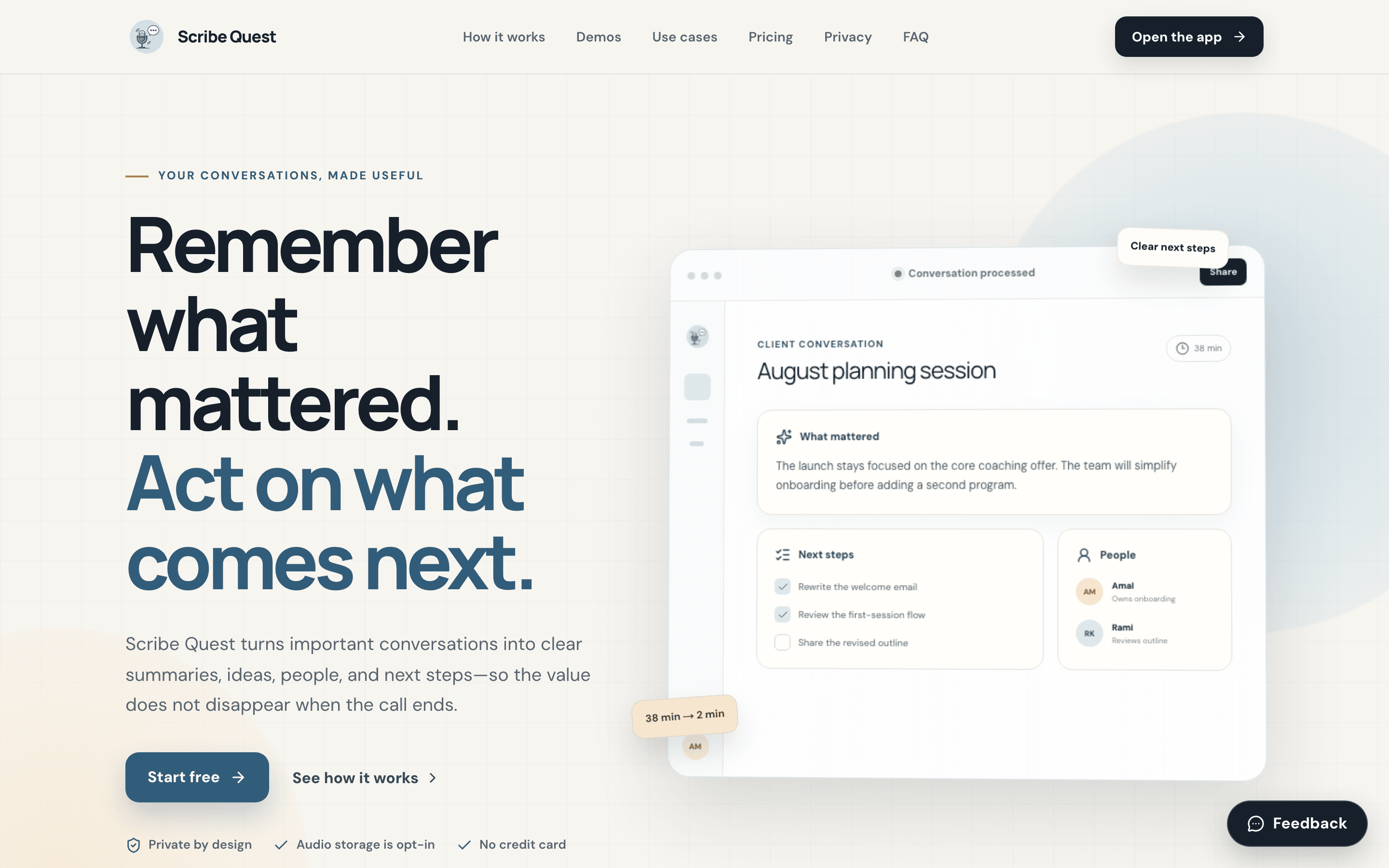
Opened Scribe Quest.
The sample result shows what mattered, next steps, and people before asking Amal to trust the capture machinery.
/
/
/
A live product-level walk for Scribe Quest · Web, framed around Amal Rahman's actual decision rather than a list of routes.
Opened Scribe Quest.
The sample result shows what mattered, next steps, and people before asking Amal to trust the capture machinery.
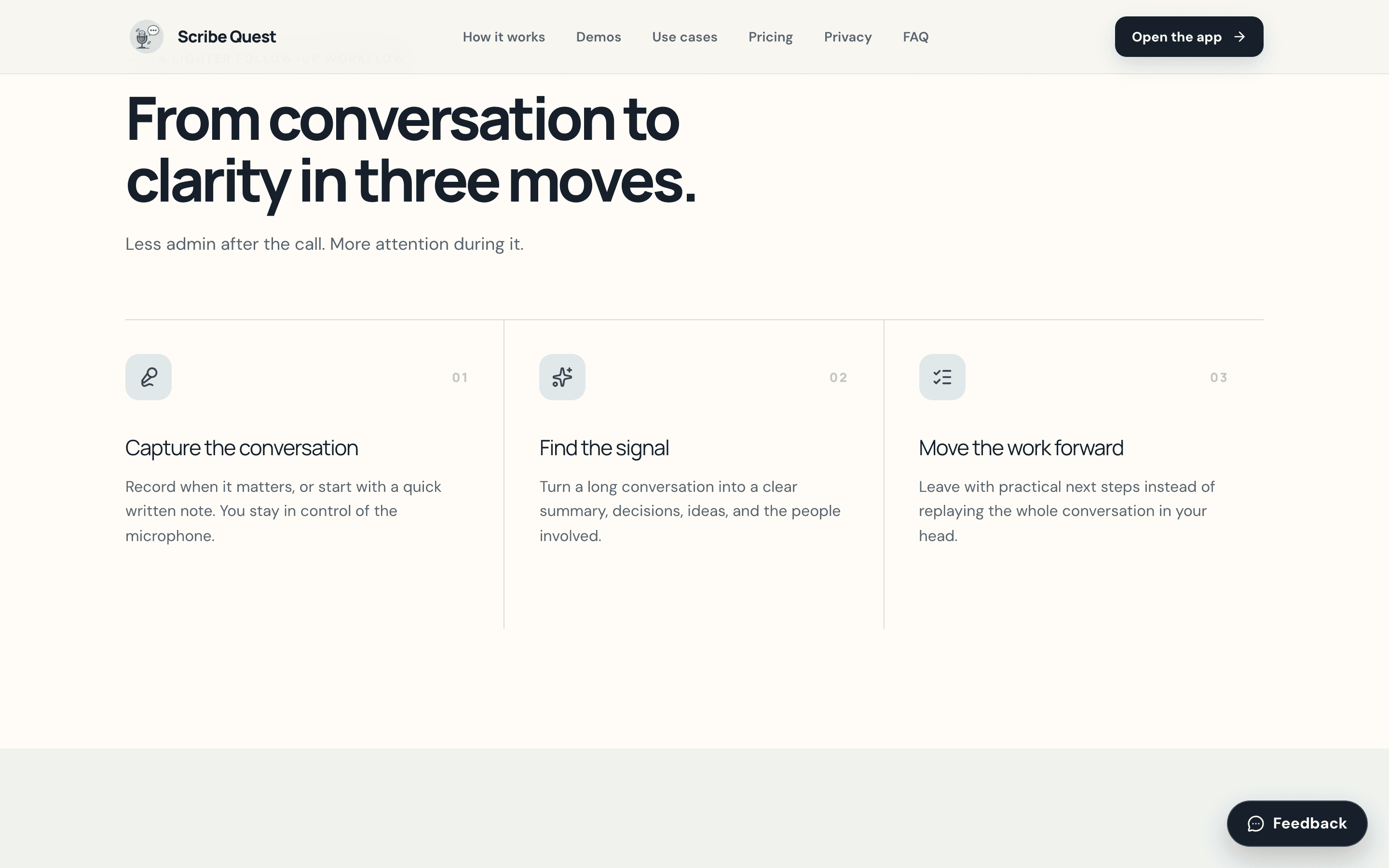
Moved to the three-part workflow.
The product separates recording from interpretation and follow-up, making control and responsibility visible.
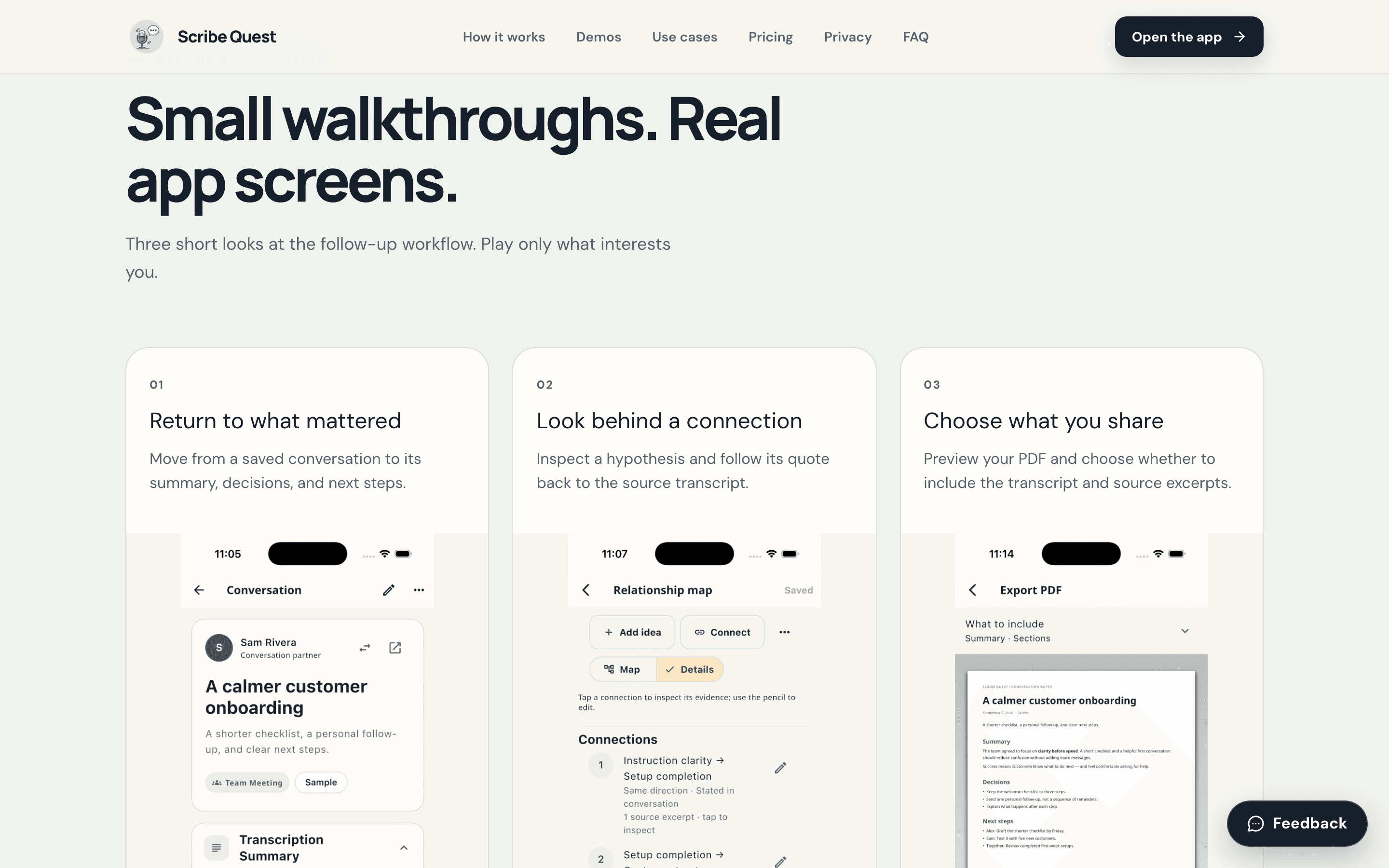
Moved to the recorded app walkthroughs.
Conversation review, relationship provenance, and PDF scope are shown with real simulator recordings and explicit synthetic-sample disclosure.
Moved to the result model.
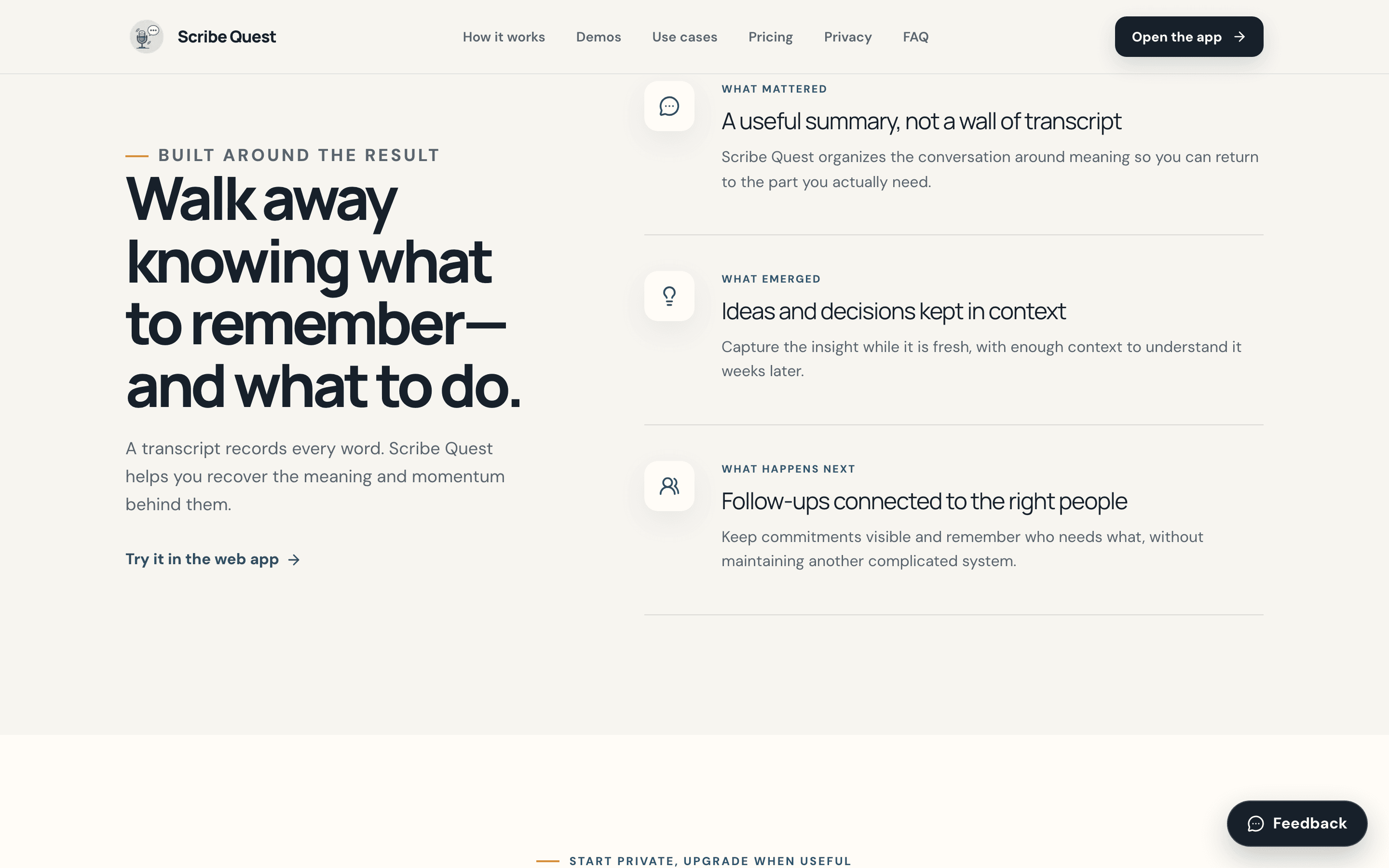
Summaries, decisions, people, and follow-ups are framed as connected outcomes rather than independent AI outputs.
Moved to the privacy model.
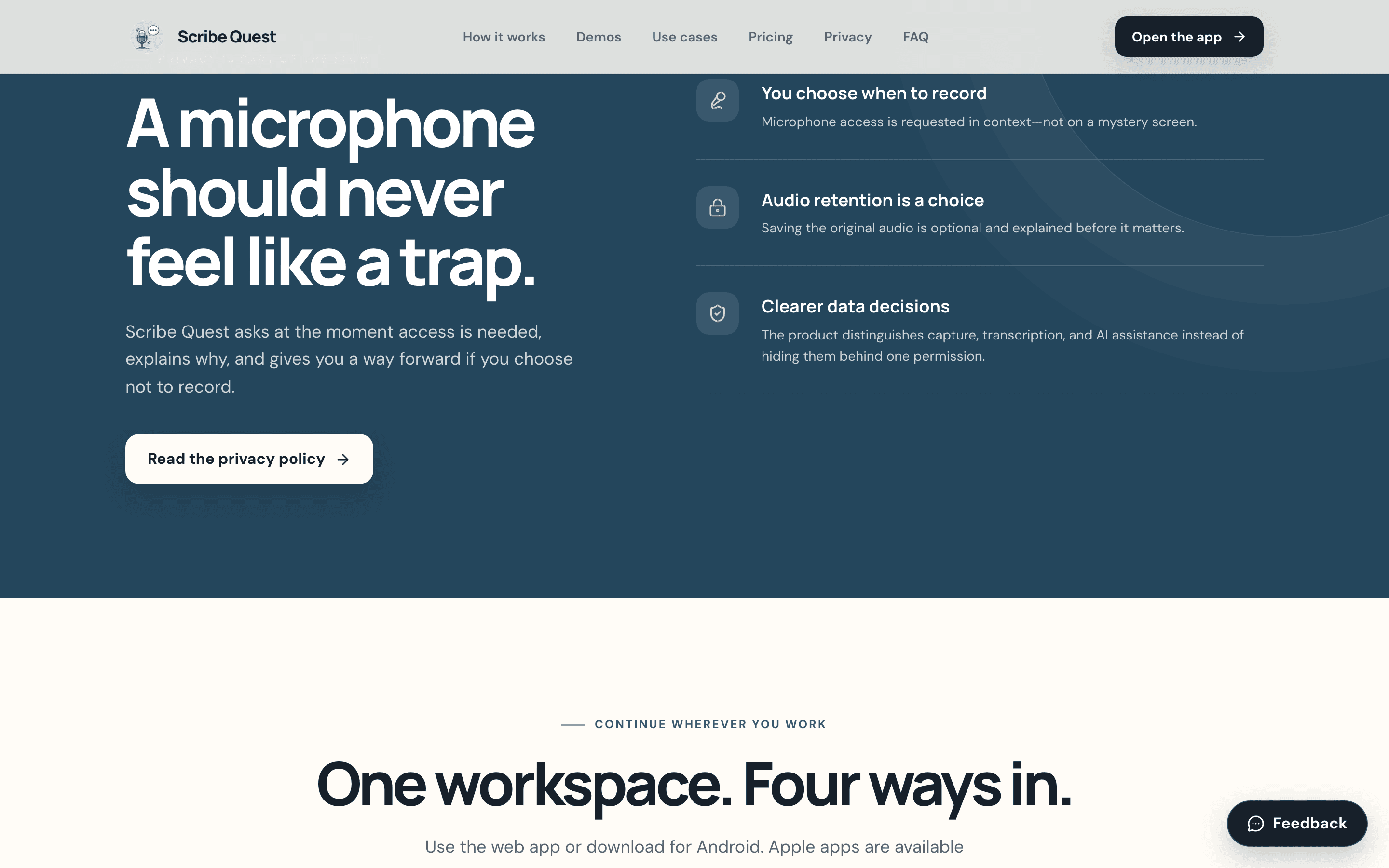
Recording, audio retention, transcription, and AI assistance are separated so a user can choose what data leaves the device.
Opened the production web app.
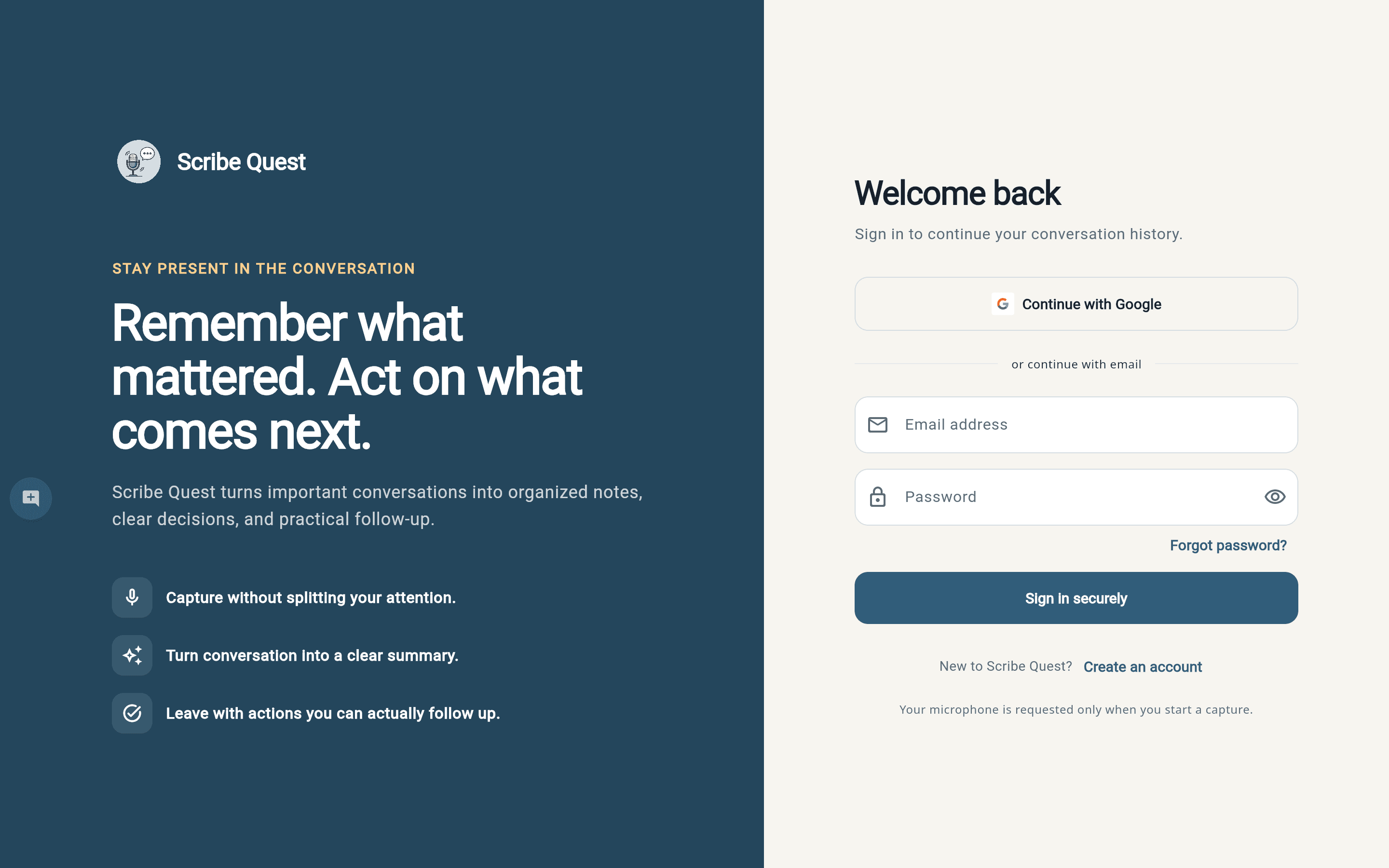
The Flutter workspace reaches its genuine email and Google sign-in screen; no test account is invented for the walkthrough.