01
A right-to-left editor, ready
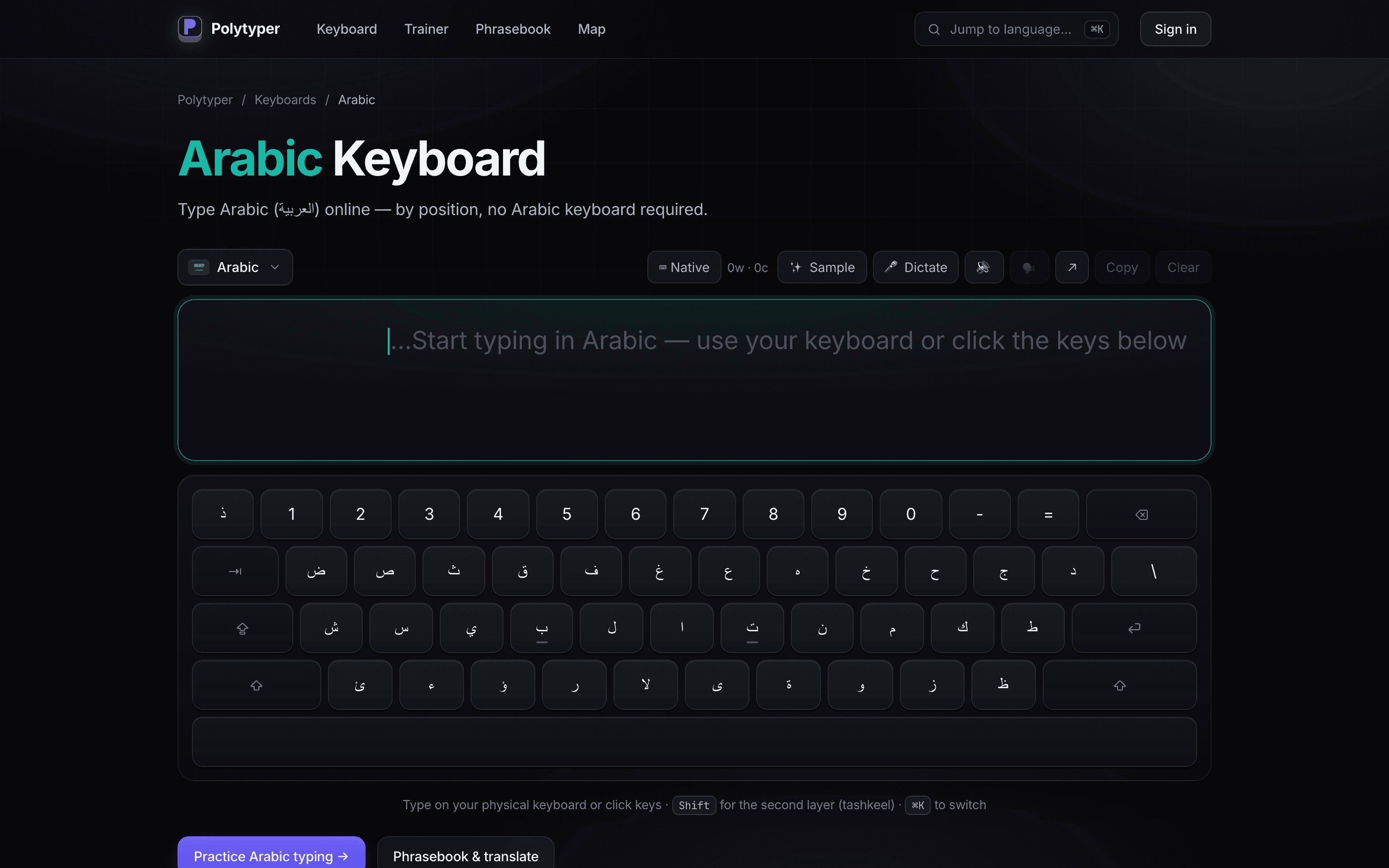
Opened the Arabic keyboard.
The editor, mode control, speech actions, and complete on-screen layout are available without sign-in.
/keyboard/arabic
/keyboard/arabic
/keyboard/arabic
Polytyper keeps language layouts inside one keyboard workspace. This walk opens the language picker and moves from the Arabic layout to the Russian layout through the real navigation control.
Captured from the public production URL. The deployment does not expose a source commit, so this evidence is intentionally not pinned to the local checkout's HEAD.
Opened the Arabic keyboard.
The editor, mode control, speech actions, and complete on-screen layout are available without sign-in.
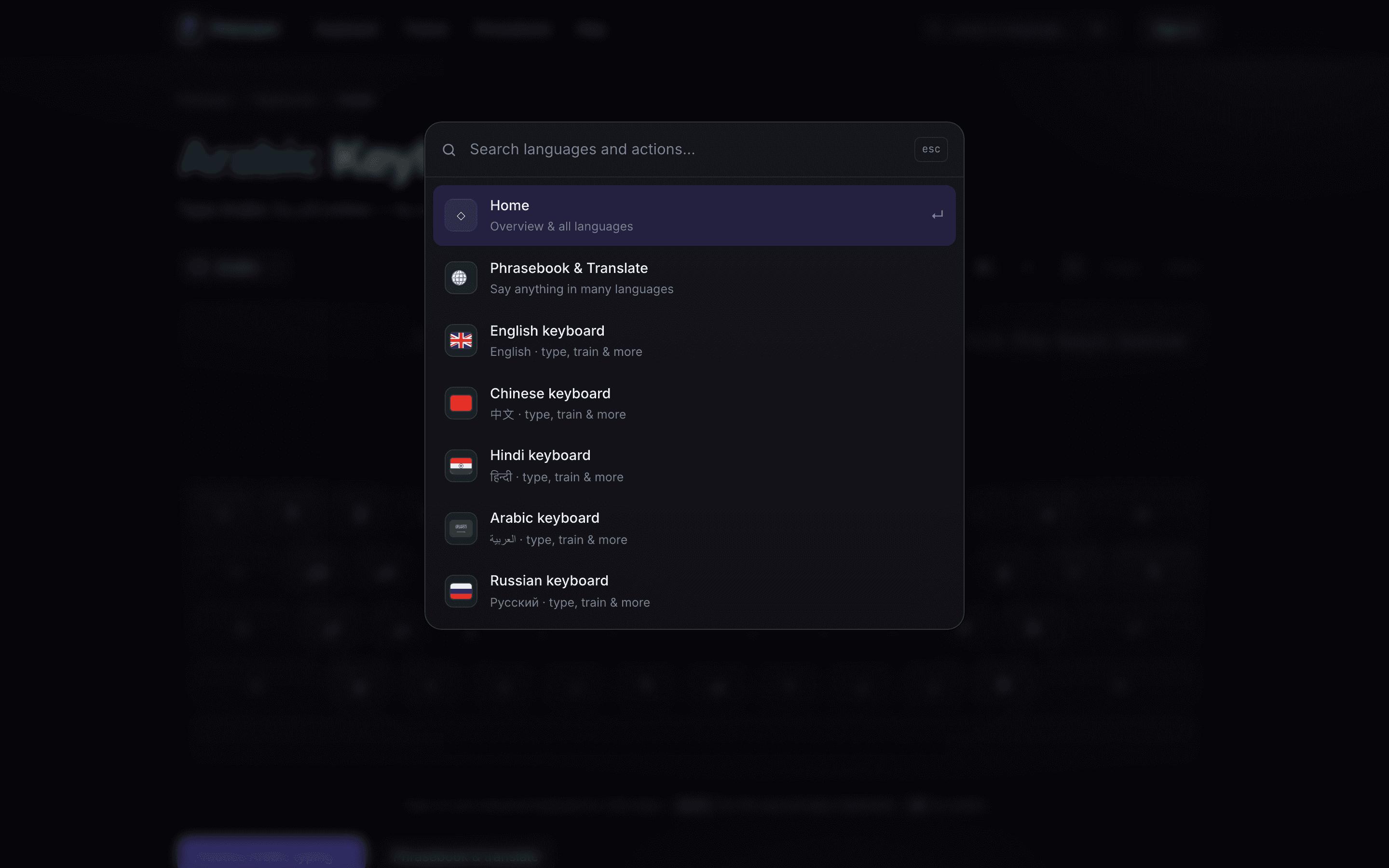
Opened "Jump to language".
The modal lists keyboard destinations with both English and native-language names, without losing the current Arabic workspace behind it.
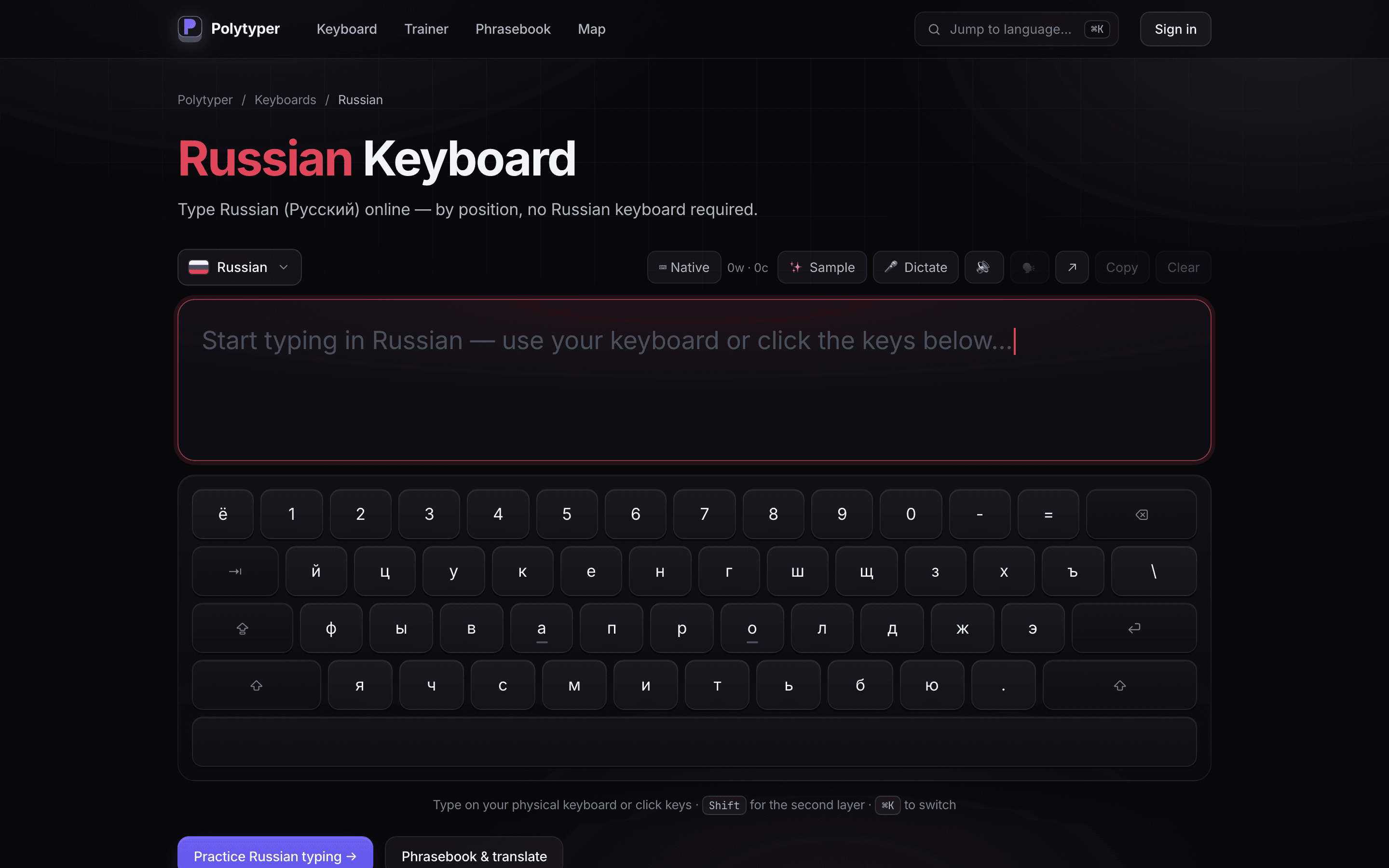
Selected "Russian keyboard".
The route, writing direction, editor label, and complete key layout now describe Russian. This is a different language surface reached through the product's own switcher.