01
The job is a plan that survives change
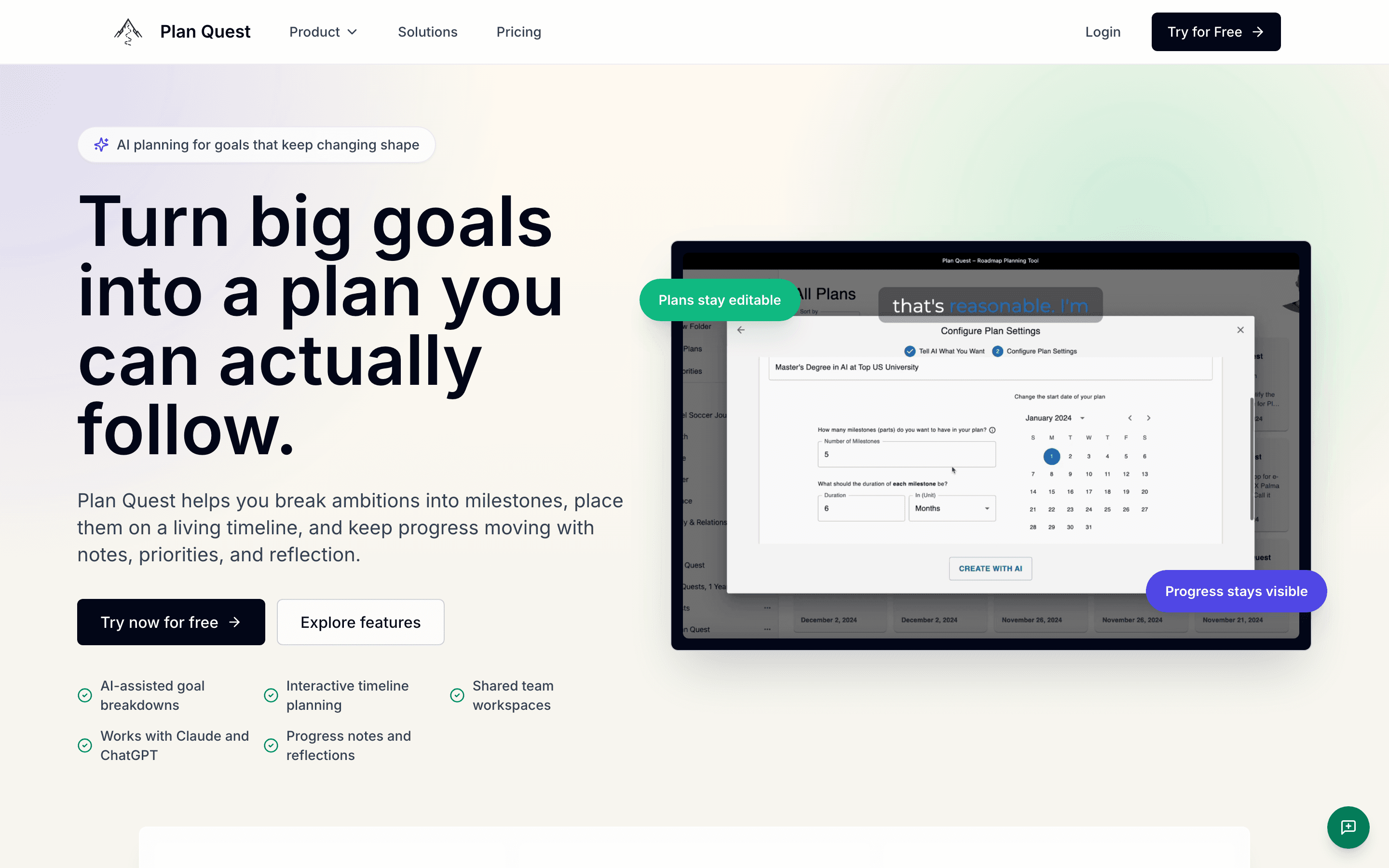
Opened Plan Quest.
The promise names the failure mode Samira recognizes: goals keep changing shape after the first burst of motivation.
/
/
/
A live product-level walk for Plan Quest, framed around Samira Nasser's actual decision rather than a list of routes.
Opened Plan Quest.
The promise names the failure mode Samira recognizes: goals keep changing shape after the first burst of motivation.
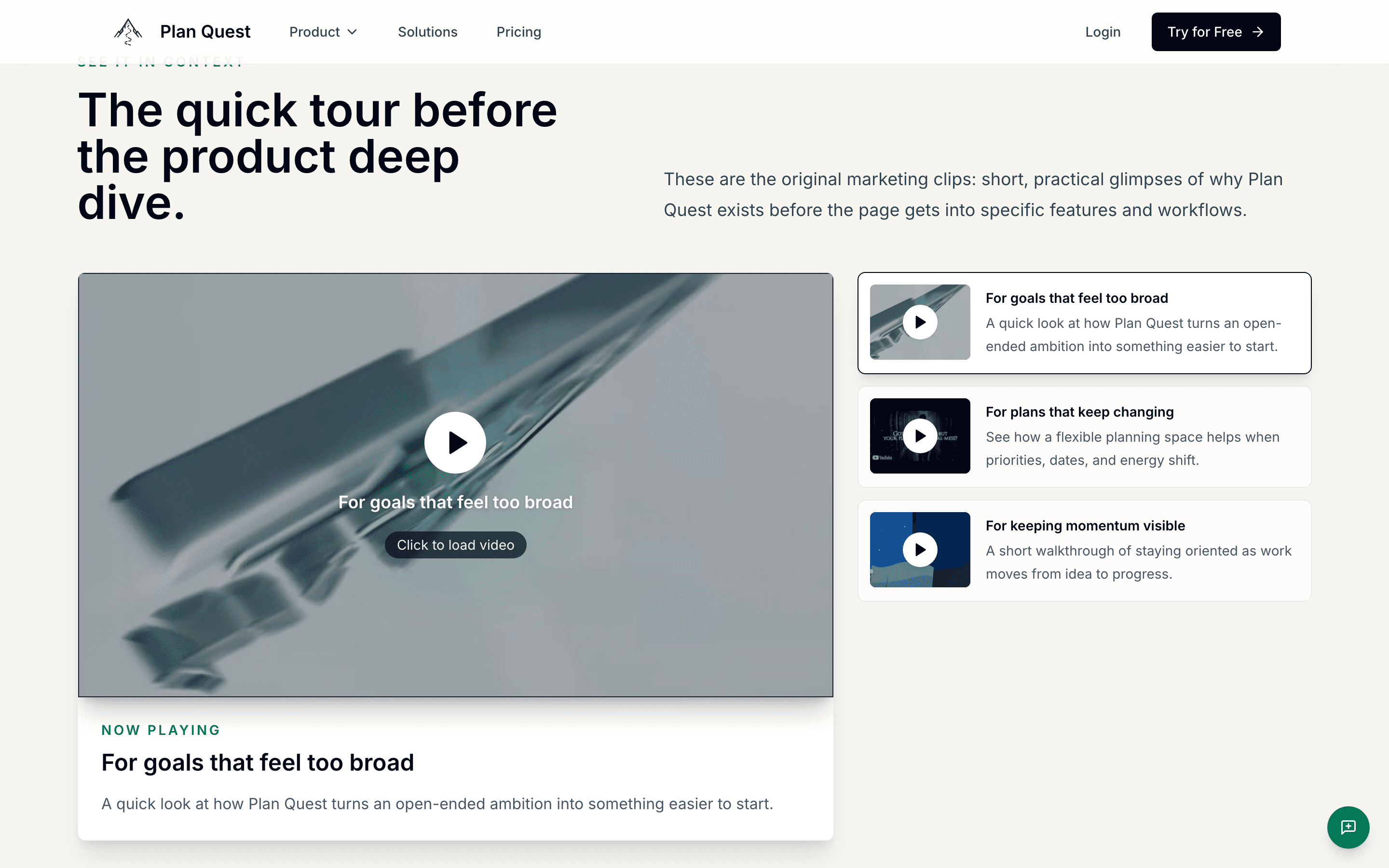
Moved to the quick tour.
Broad goals, changing plans, and lost momentum are presented as separate situations rather than one generic productivity pitch.
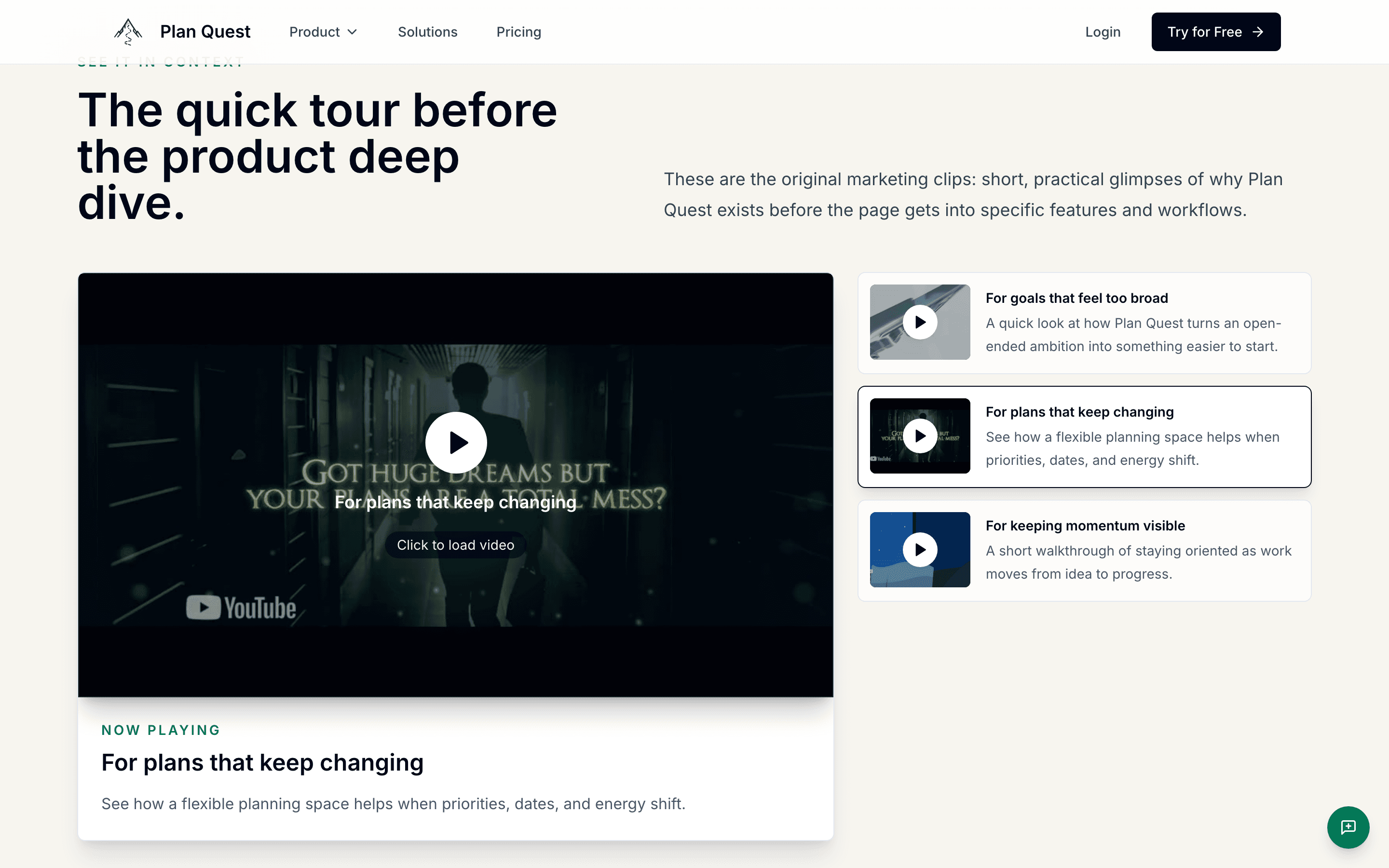
Selected the changing-plan tour.
The active scenario shifts to rebalancing as dates, capacity, and energy change—the core behavior of a living plan.
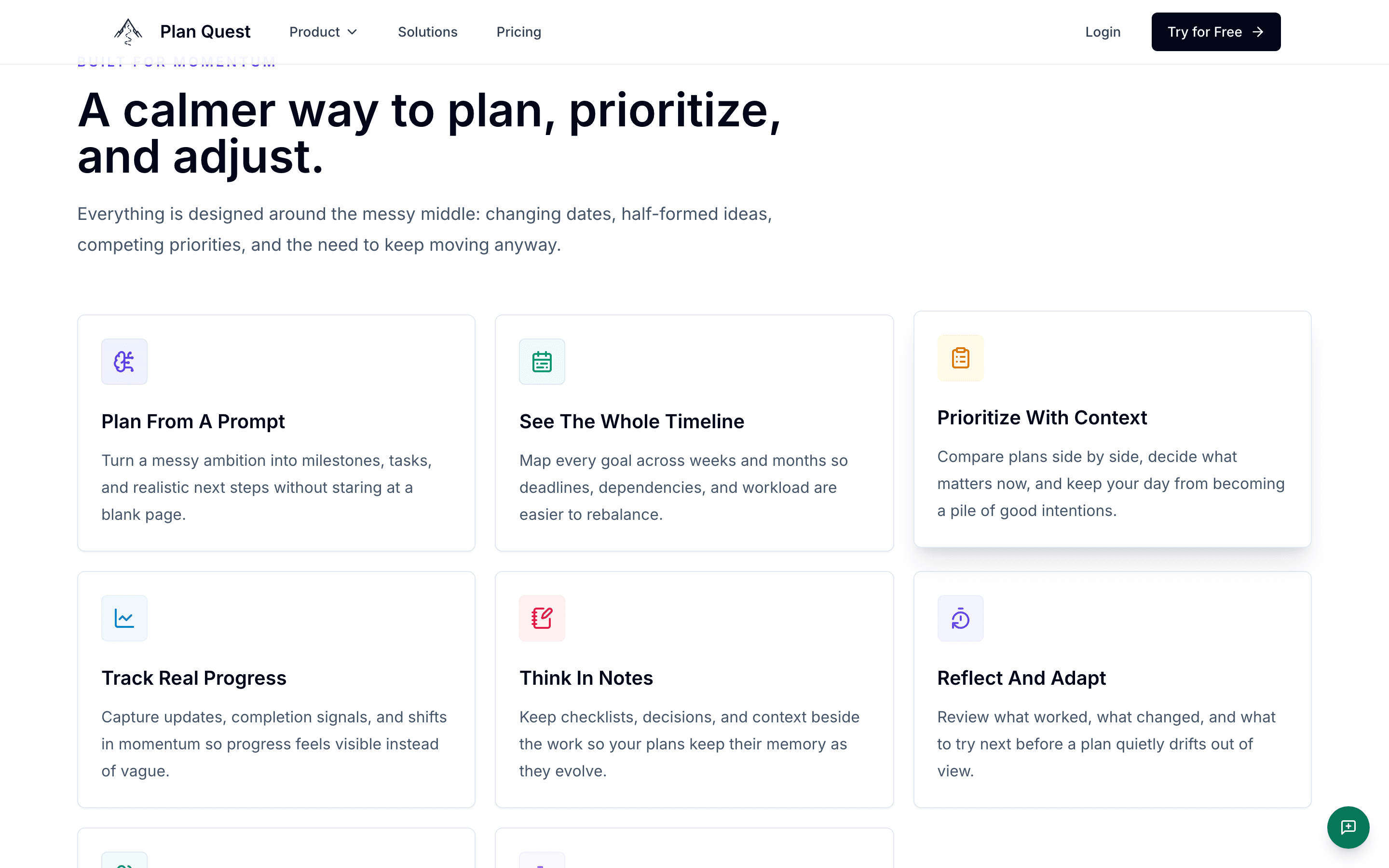
Moved to the complete feature set.
Prompt planning, timeline, priorities, progress, notes, reflection, teamwork, and bring-your-own AI are visible as one connected workflow.
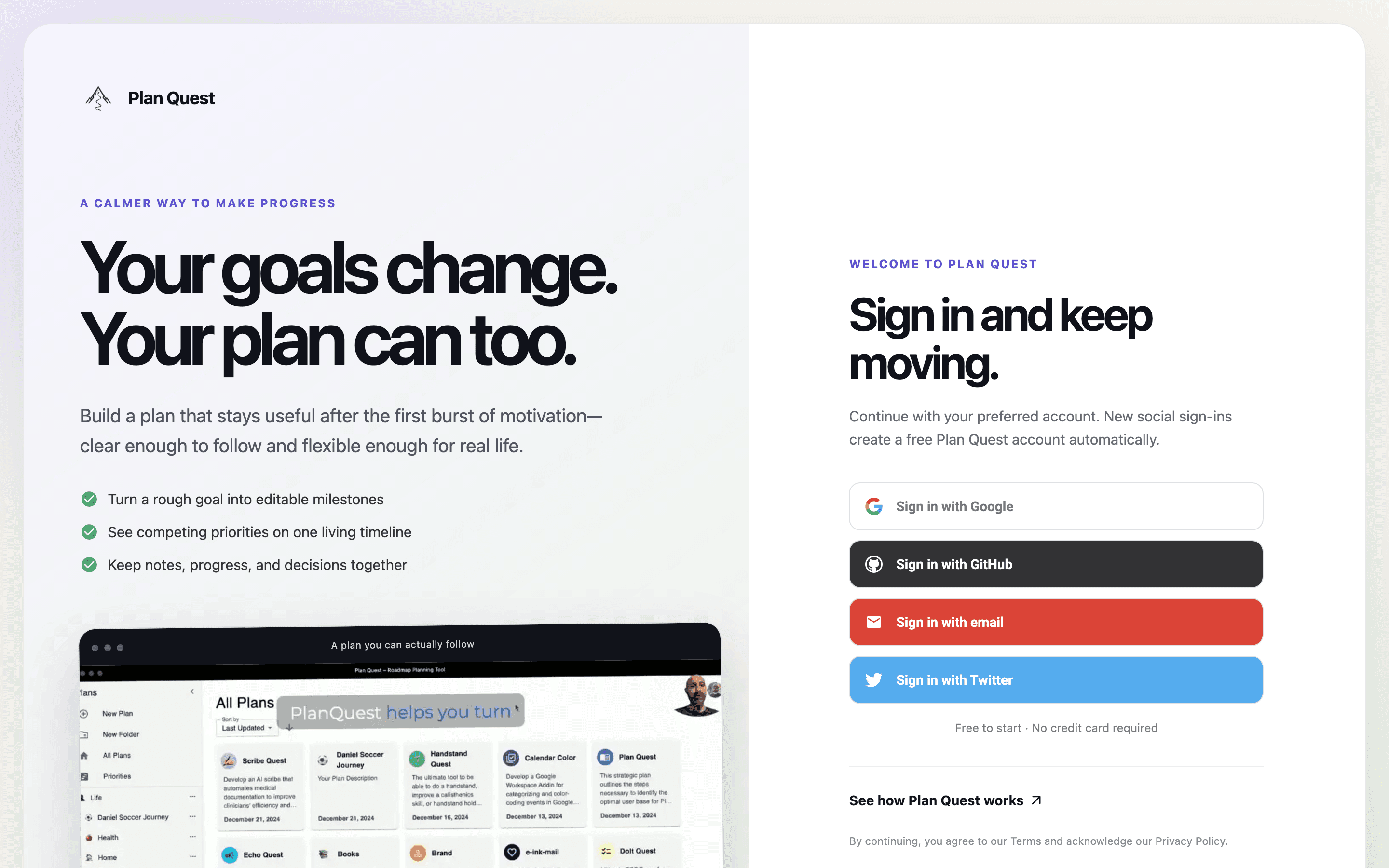
Opened the production planning app.
The authenticated workspace offers Google, GitHub, email, and Twitter sign-in. No account is created during this evidence run.