01
The native journey starts with language
Launched Leela Quest after reinstalling the simulator build.
The real iPhone app opens with an explicit language choice before it explains the game.
LanguageScreen

LanguageScreen → GameModeScreen
A live walk through the actual iPhone app: language selection, three-part onboarding, the native home, game-mode selection, and the On the Board journey choices.
Captured from the actual com.humanquest.leela iPhone simulator build, version 1.2.18+72, on iOS 26.5. The installed binary predated the current source HEAD, so no source SHA is claimed. A synthetic seeded journey persisted outside the reinstalled app container; no account, purchase, or personal data was created.
Launched Leela Quest after reinstalling the simulator build.
The real iPhone app opens with an explicit language choice before it explains the game.
Selected English and continued.
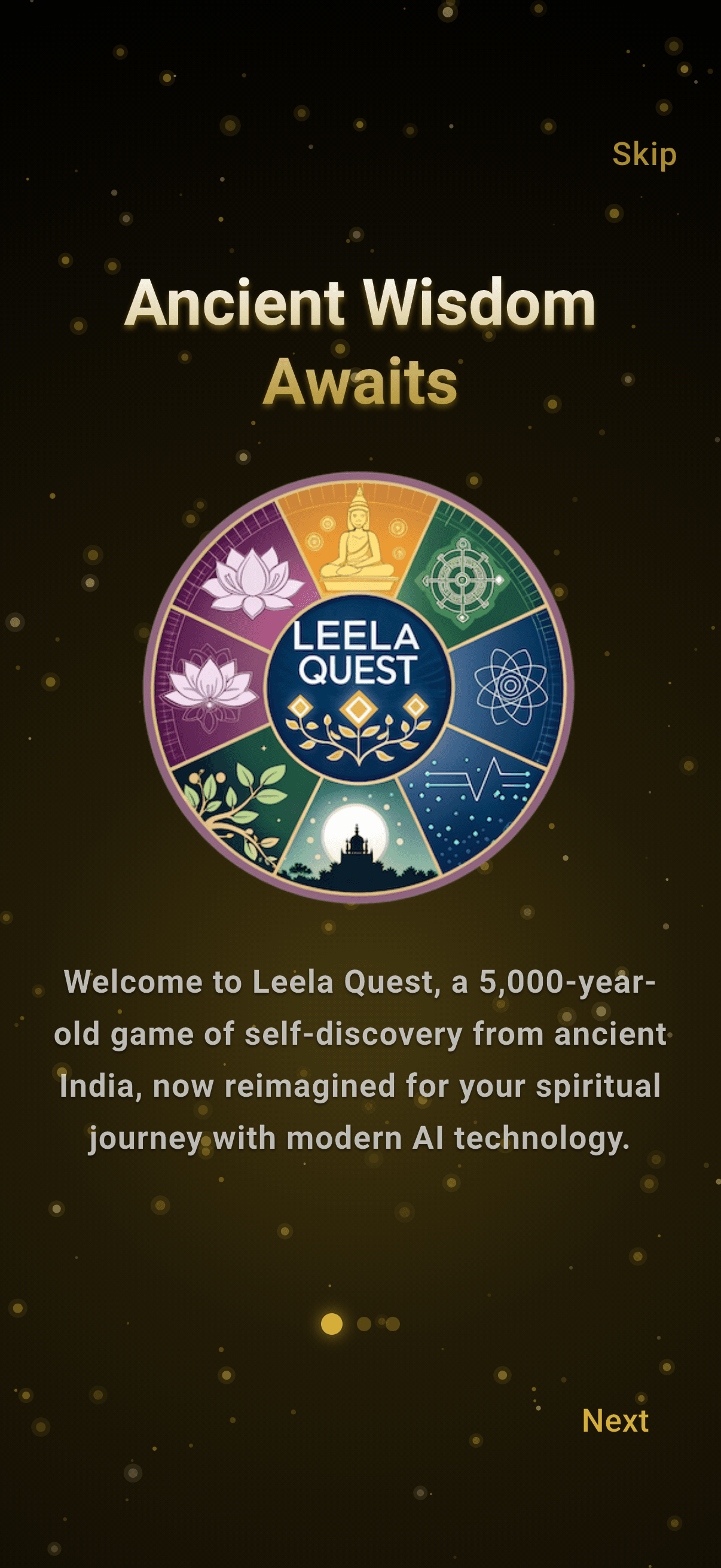
The first native onboarding screen explains the five-thousand-year-old self-discovery game and its modern guided interpretation.
Advanced to the second onboarding card.
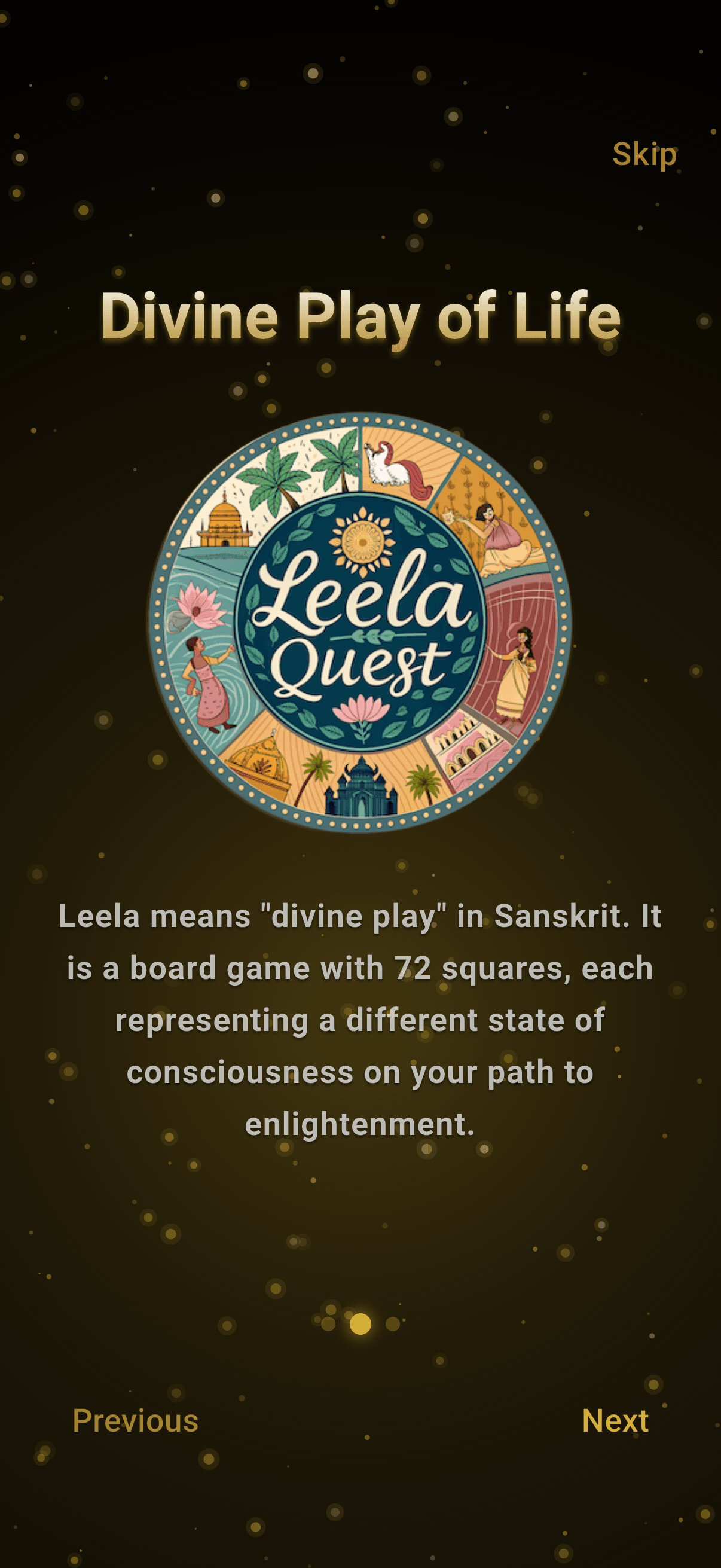
The app sets the expectation that chance opens a reflection rather than predicting an outcome.
Advanced to the final onboarding card.
The native flow closes onboarding by connecting the board to a question the player genuinely wants to explore.

Tapped Begin Your Quest.
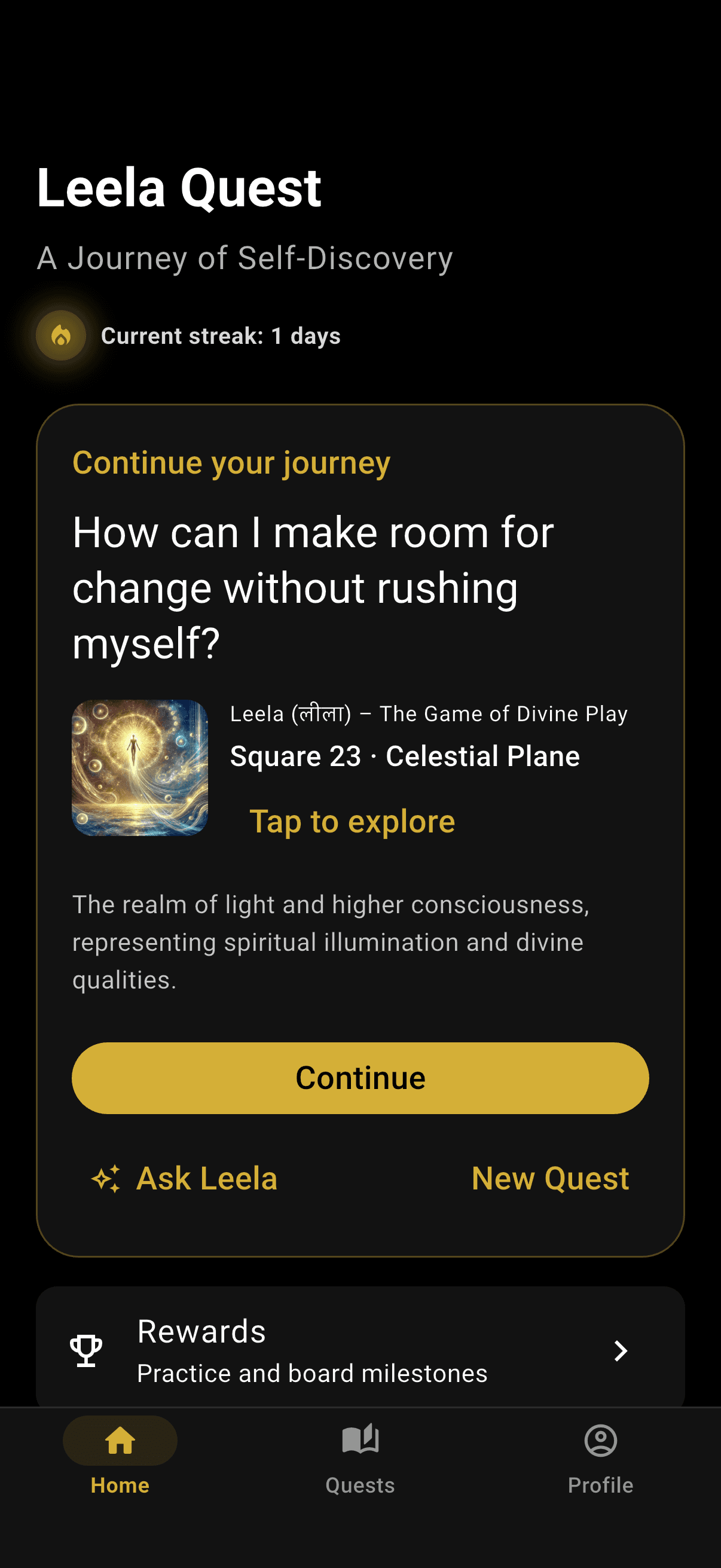
The actual native home shows streak, journey context, rewards, and a clear New Quest action. The simulator already held a synthetic seeded journey; no personal account data was entered for this walk.
Tapped New Quest.
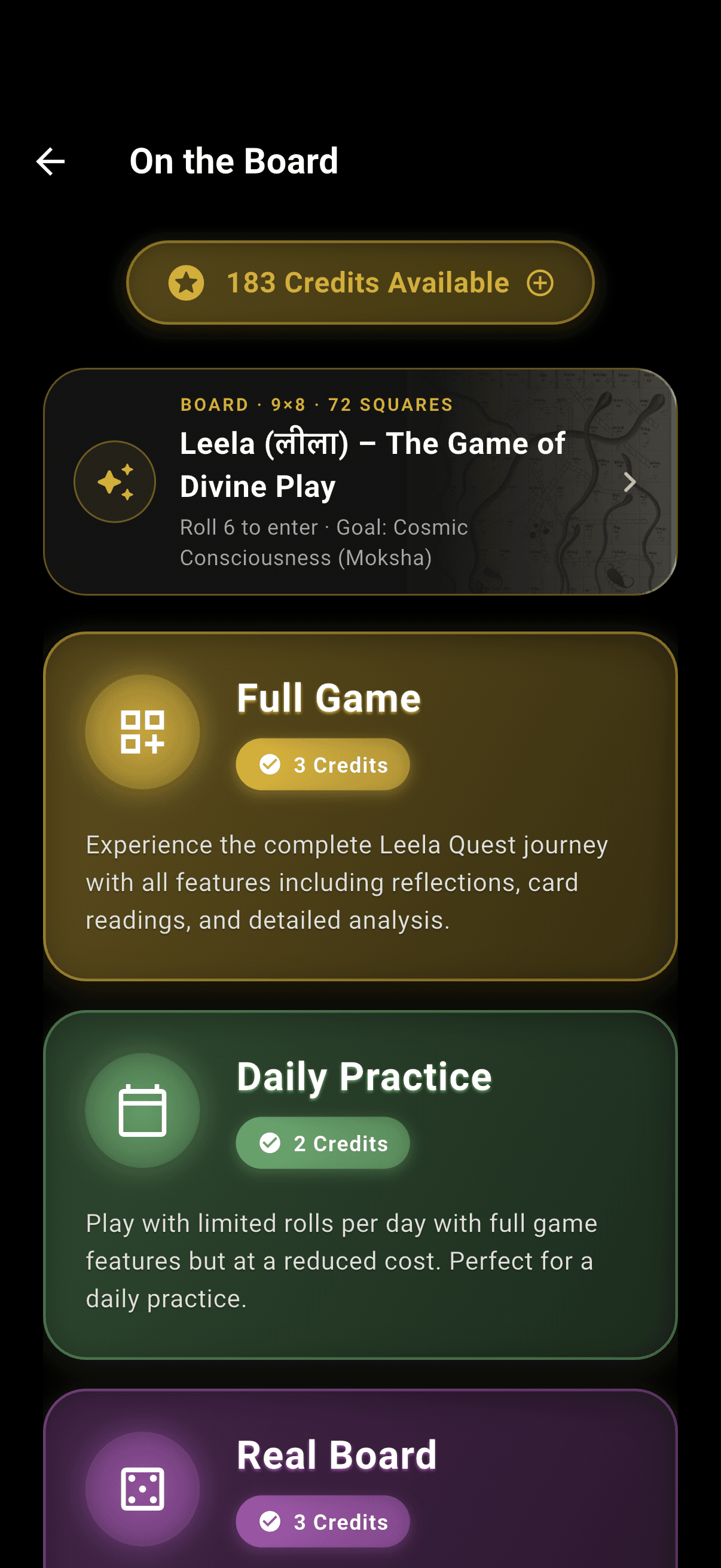
On the Board, conversational, multiplayer, and card-based entries are presented as separate native modes with their own purpose and credit cost.
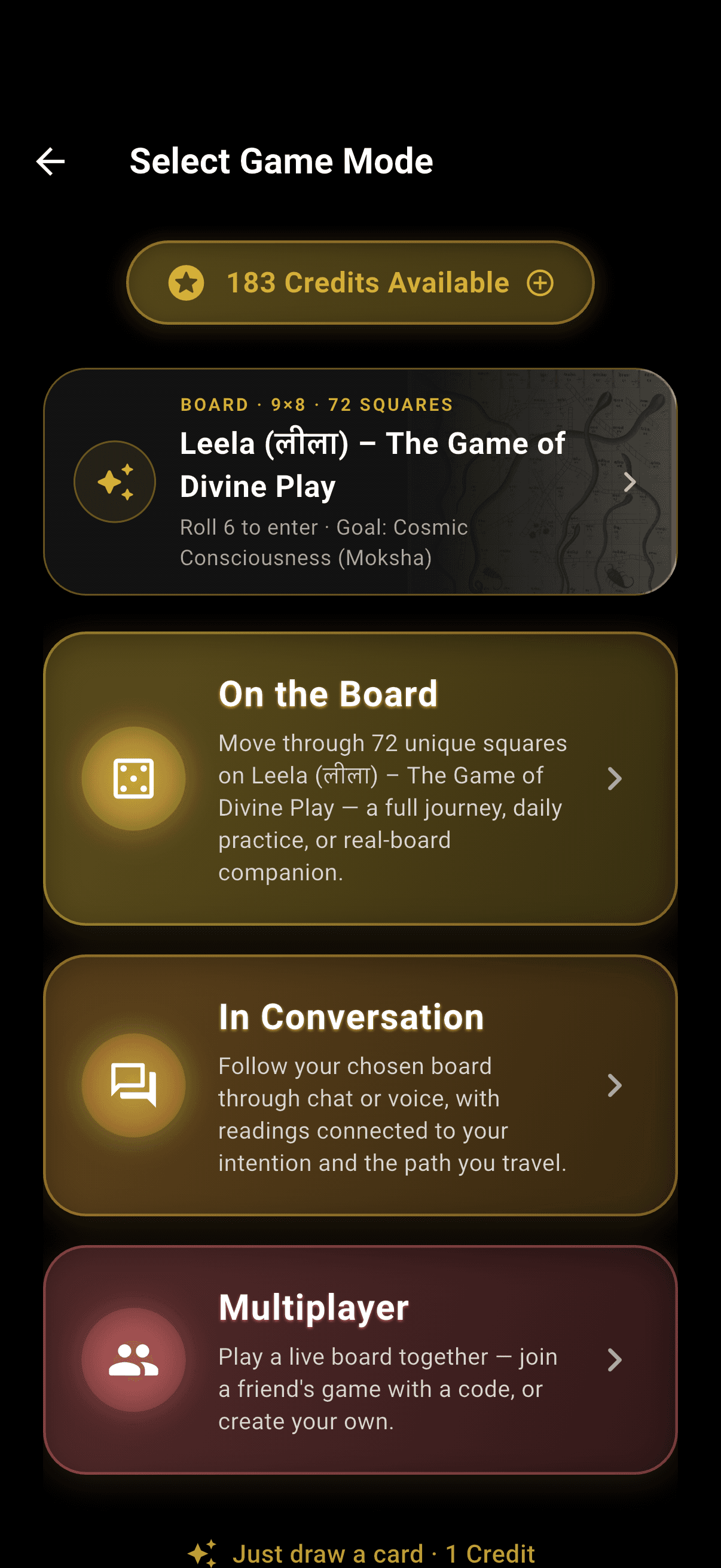
Selected On the Board.
The native app offers Full Game, Daily Practice, and Real Board companion paths before an intention or credit is committed.