01
Android starts with language
Cleared the package and launched the installed APK.
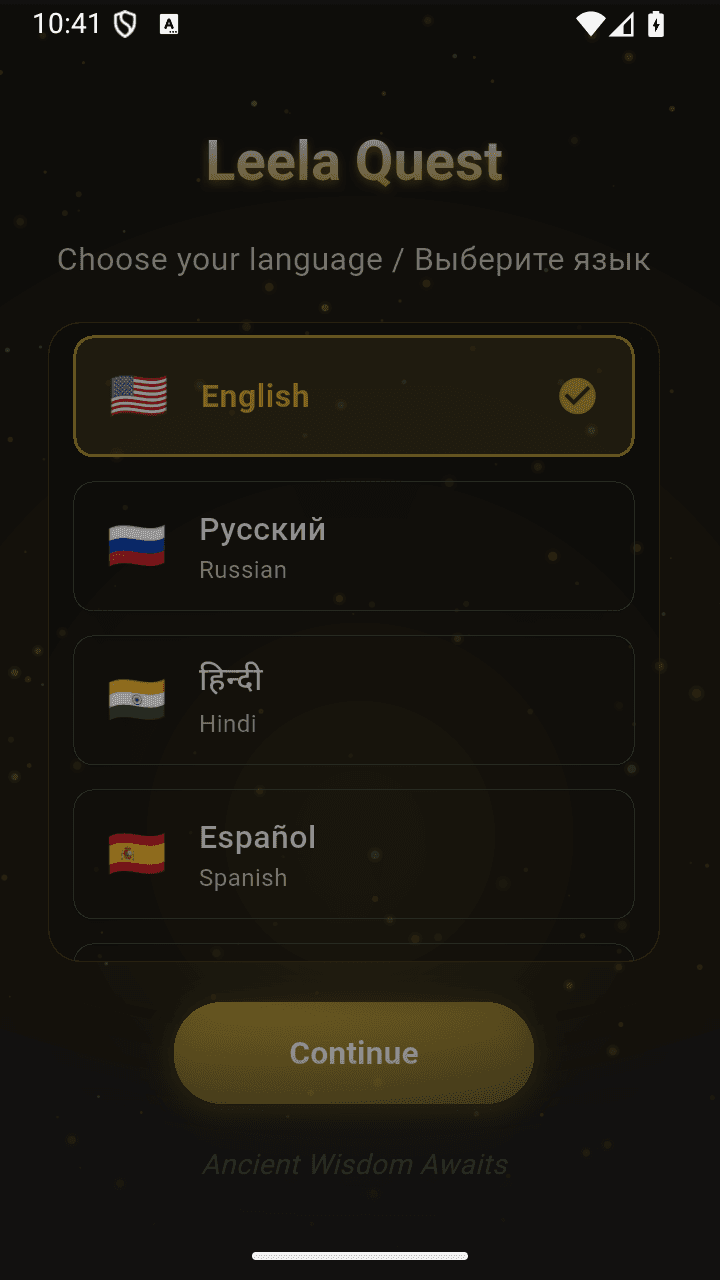
The native Android app begins with the same explicit language decision as iPhone.
LanguageScreen
LanguageScreen → AuthScreen
A fresh emulator walk through the actual Leela Quest APK from language selection and native onboarding to the Android authentication surface.
Captured from the actual com.humanquest.leela APK, version 1.2.18+72, on the Small_Phone_API_35 emulator. The APK was prebuilt, so no exact source SHA is claimed.
Cleared the package and launched the installed APK.
The native Android app begins with the same explicit language decision as iPhone.
Selected English and continued.
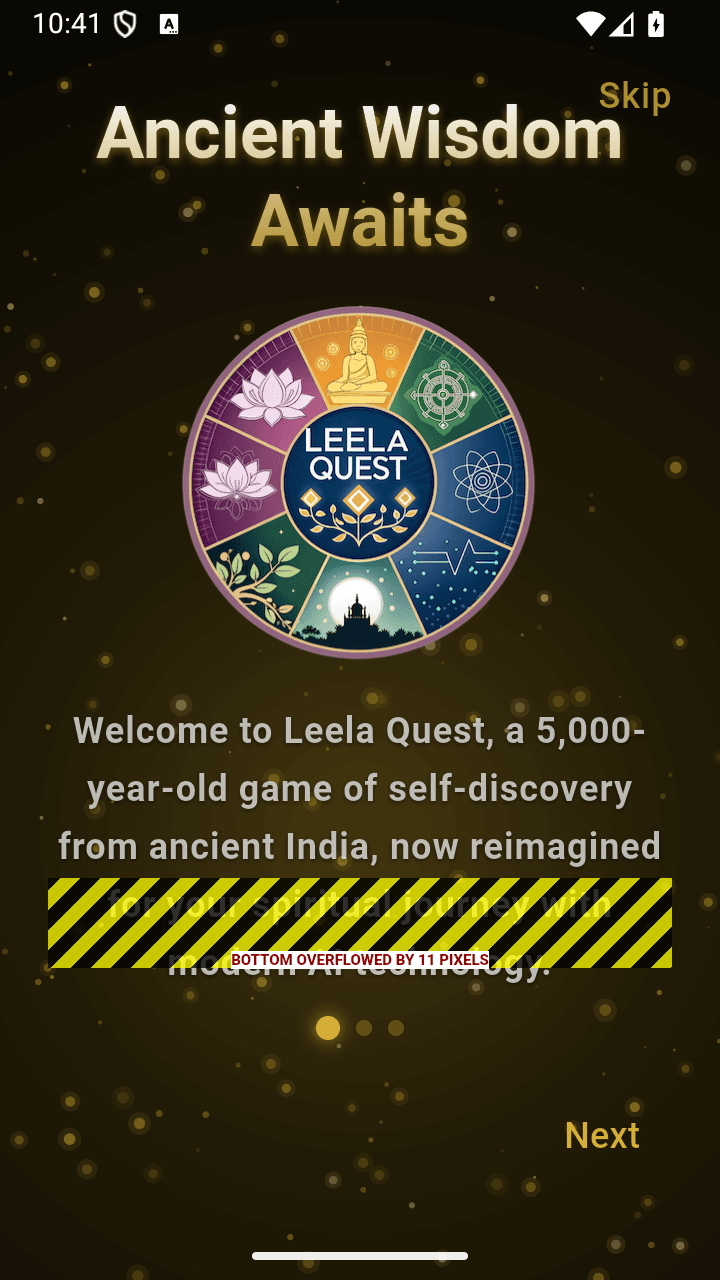
The Android onboarding explains the origin and self-discovery purpose of Leela.
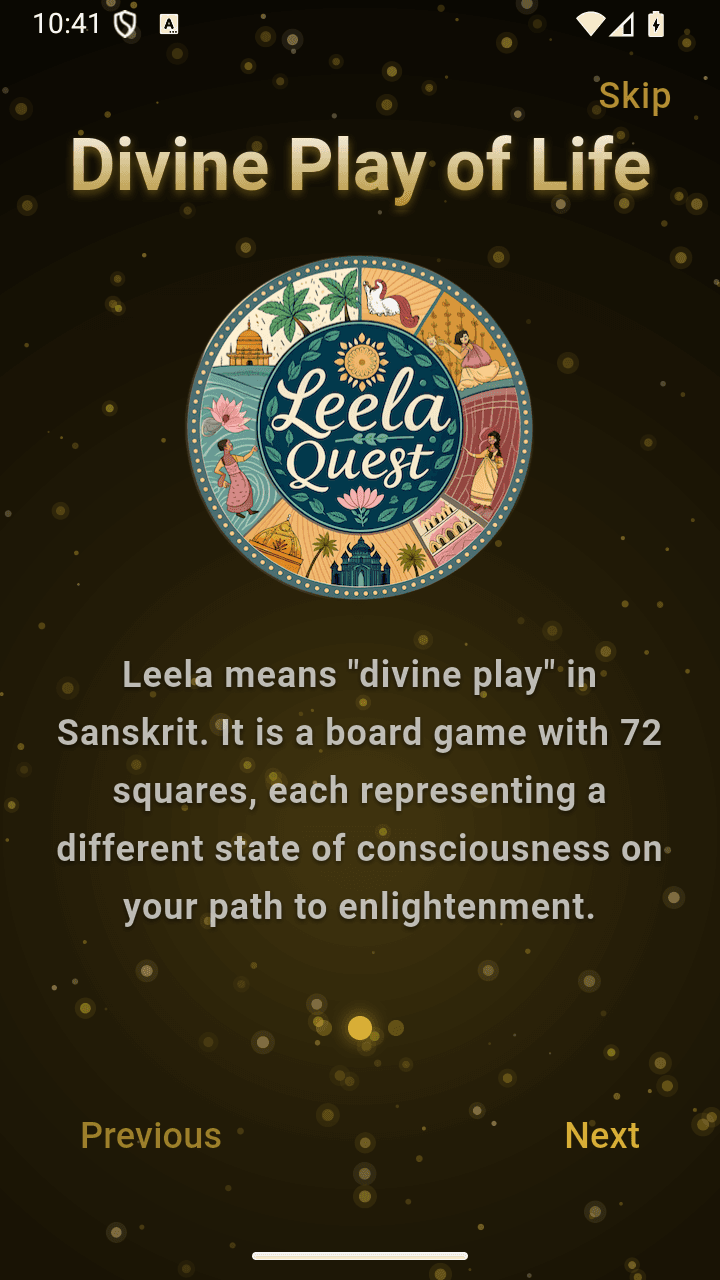
Advanced to the second onboarding screen.
Chance is framed as an opening for reflection rather than a prediction.
Advanced to Begin Your Quest.
The native flow connects the game to a question the player genuinely wants to examine.
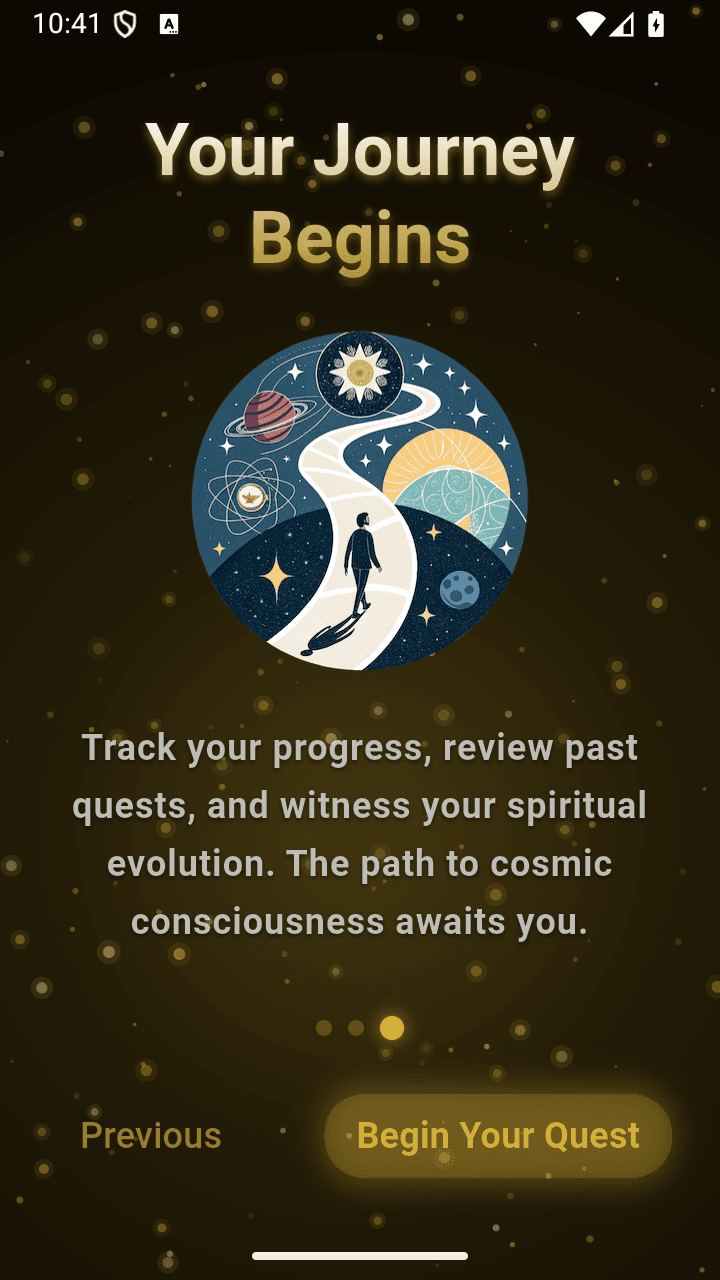
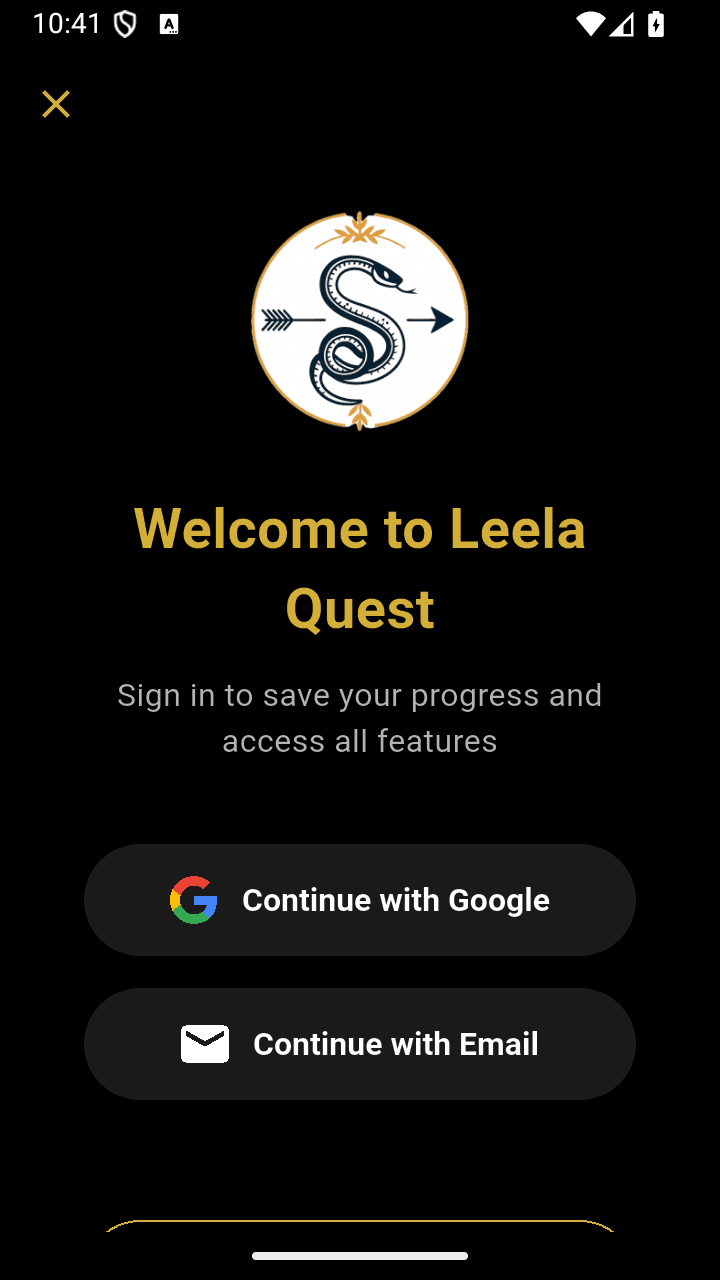
Tapped Begin Your Quest and stopped before authentication.
The fresh Android package asks for Google or email sign-in to save progress and unlock all features. No account was selected or created.