01
My Network — Landing State
Opened /network.
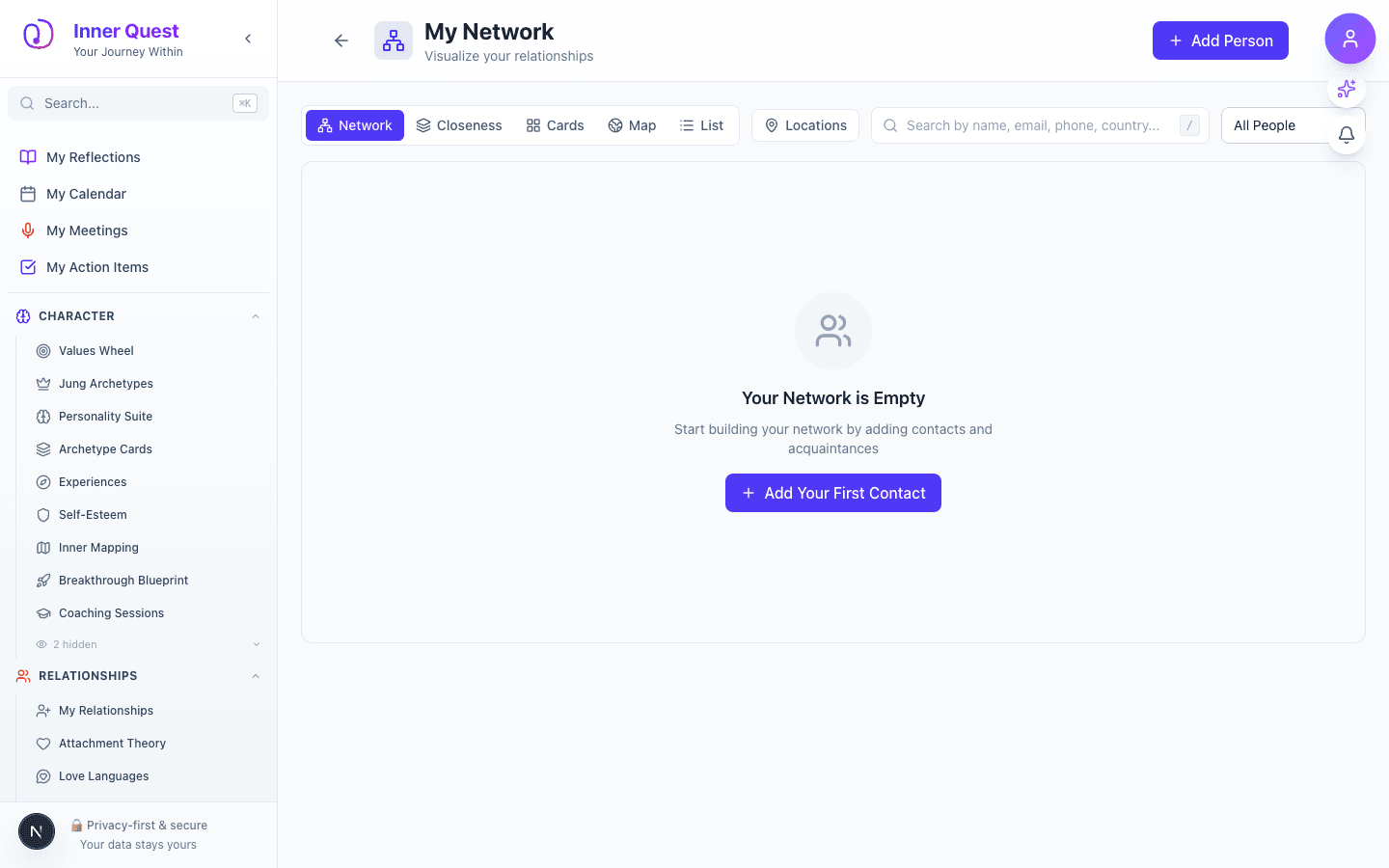
The landing page showing the initial state and main interface, with the interactive network graph or world map view of your social connections.
/network
/network
/network
My Network lets you map your social world visually. Add the people in your life and see them arranged as an interactive graph showing how they connect to each other, or switch to a world map view to see where your relationships are distributed geographically. It helps you understand the structure and diversity of your social ecosystem at a glance.
Imported from Inner Quest's app-owned walkthrough library. The captures are real product evidence, but their original run manifest and detailed interaction log predate Walkthrough Studio, so freshness is not claimed.
Opened /network.
The landing page showing the initial state and main interface, with the interactive network graph or world map view of your social connections.