01
My Relationships — Landing State
Opened /my-relationships.
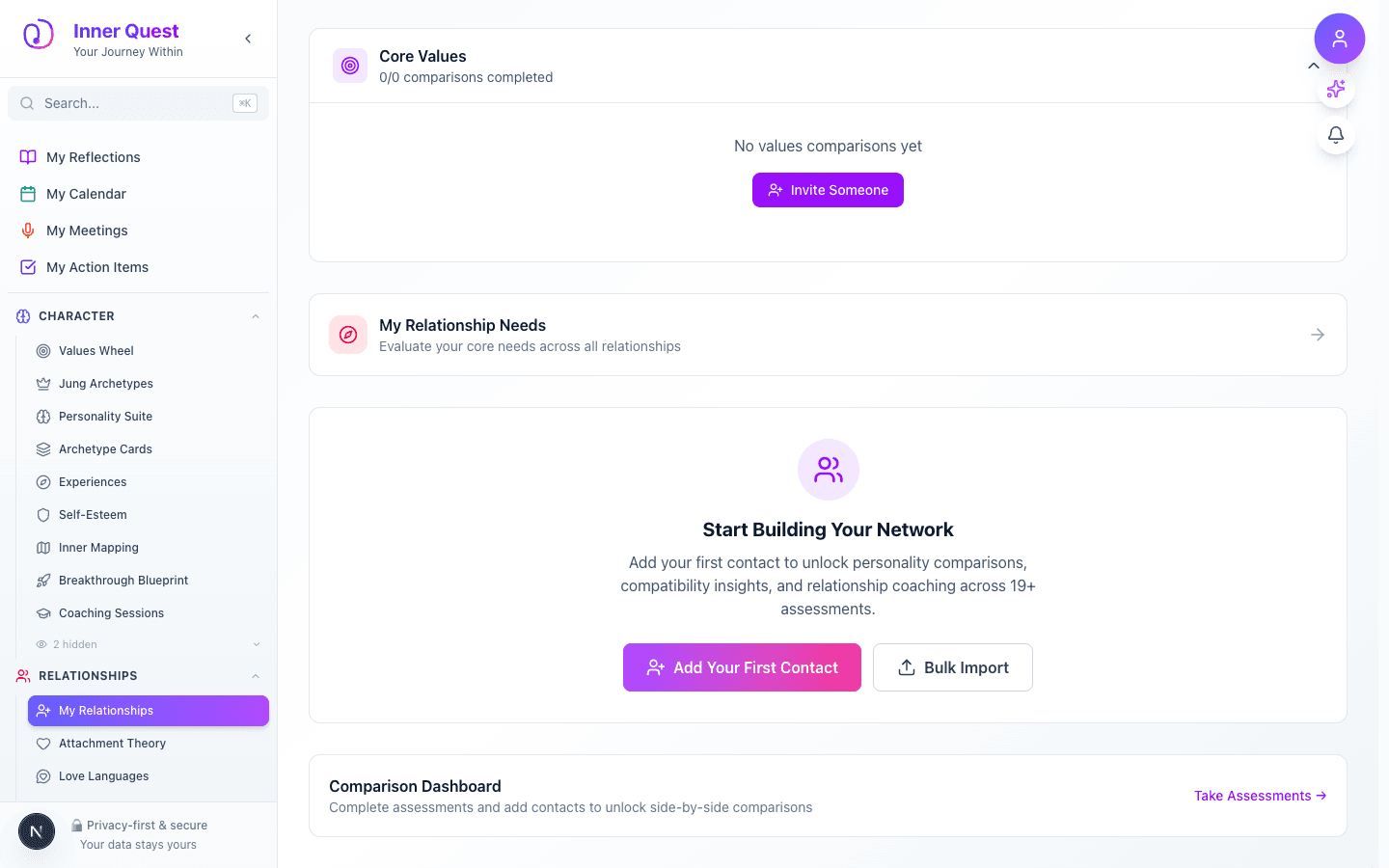
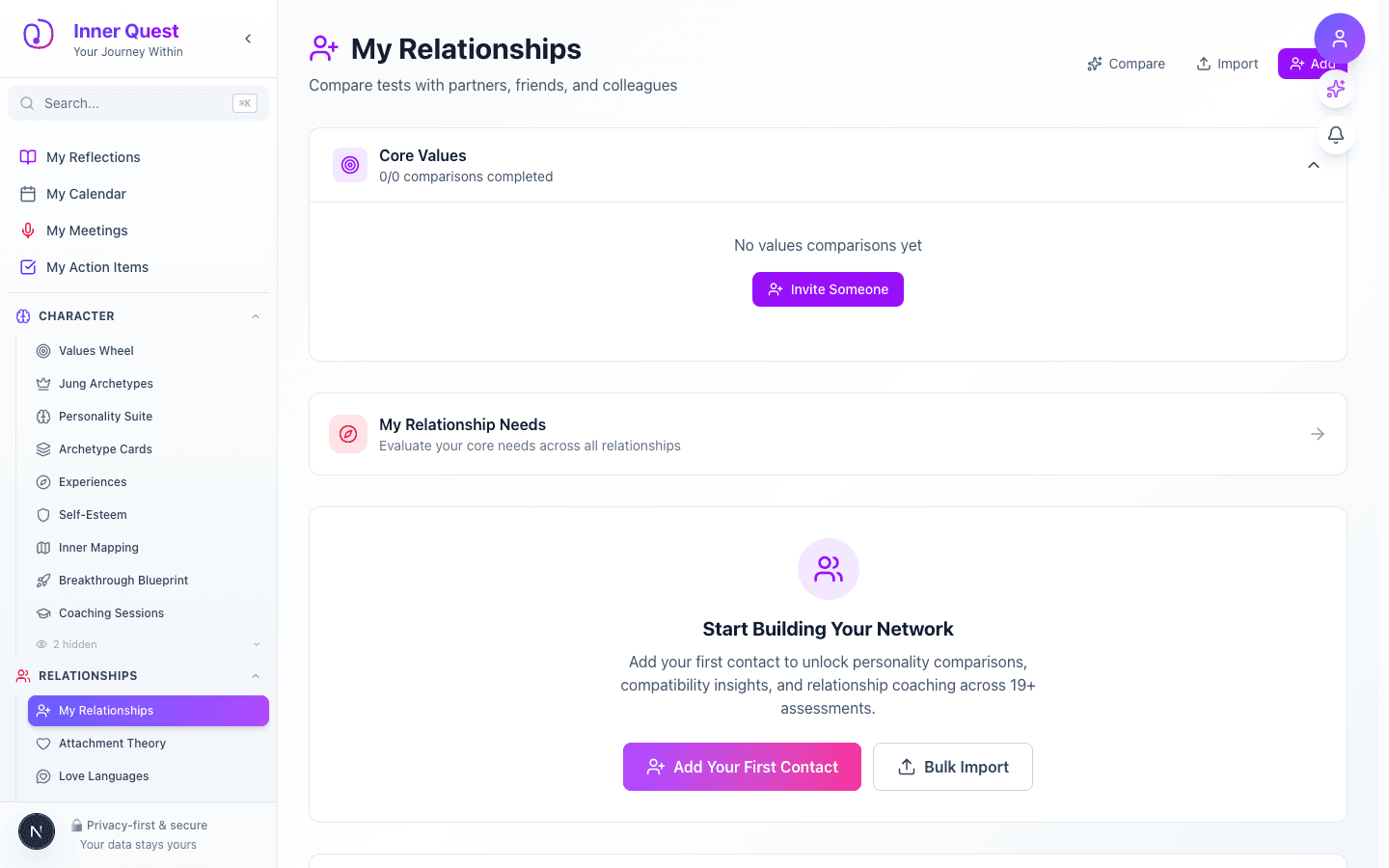
The landing page showing the initial state and main interface, with your contacts list and options to add new people.
/my-relationships
/my-relationships
/my-relationships
My Relationships is your personal contact directory for meaningful people in your life. Add contacts and then compare personality test results side-by-side to gain insight into compatibility, communication styles, and potential friction points. It bridges your inner self-knowledge with your understanding of the people around you.
Imported from Inner Quest's app-owned walkthrough library. The captures are real product evidence, but their original run manifest and detailed interaction log predate Walkthrough Studio, so freshness is not claimed.
Opened /my-relationships.
The landing page showing the initial state and main interface, with your contacts list and options to add new people.
Scrolled to the next captured section.
Additional content visible after scrolling, including contact cards with personality profile summaries and comparison prompts.