01
Discussion Map — Landing State
Opened /meetings.
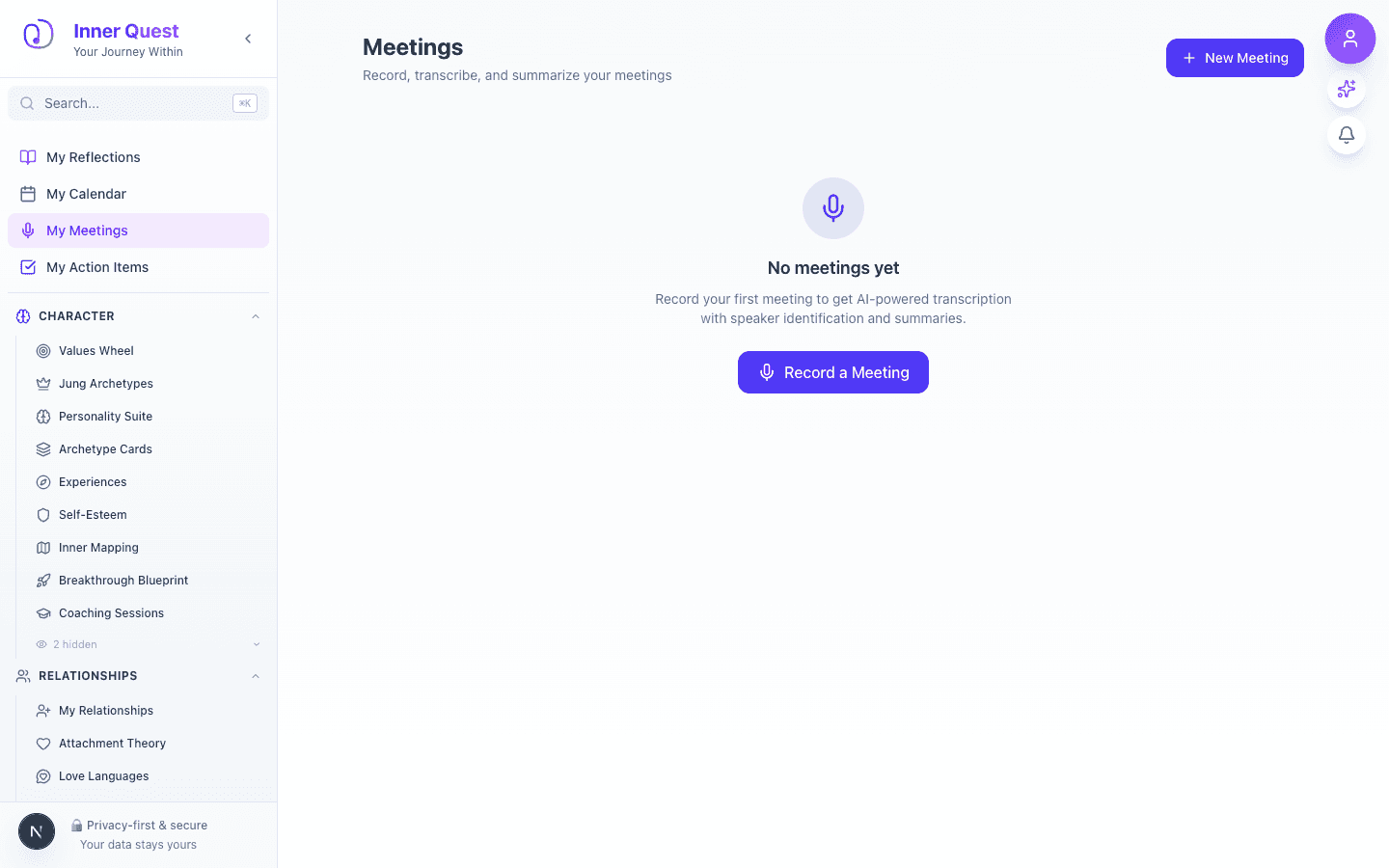
The landing page showing the initial state and main interface, with options to start a new meeting analysis or review past sessions.
/meetings
/meetings
/meetings
Discussion Map is a meeting analysis tool that helps you understand the dynamics of group conversations. After logging a meeting, you can map who spoke to whom, track influence patterns, and visualize who drives decisions in your team. The resulting influence graph reveals participation imbalances, dominant voices, and collaboration gaps that are hard to notice in real time.
Imported from Inner Quest's app-owned walkthrough library. The captures are real product evidence, but their original run manifest and detailed interaction log predate Walkthrough Studio, so freshness is not claimed.
Opened /meetings.
The landing page showing the initial state and main interface, with options to start a new meeting analysis or review past sessions.