01
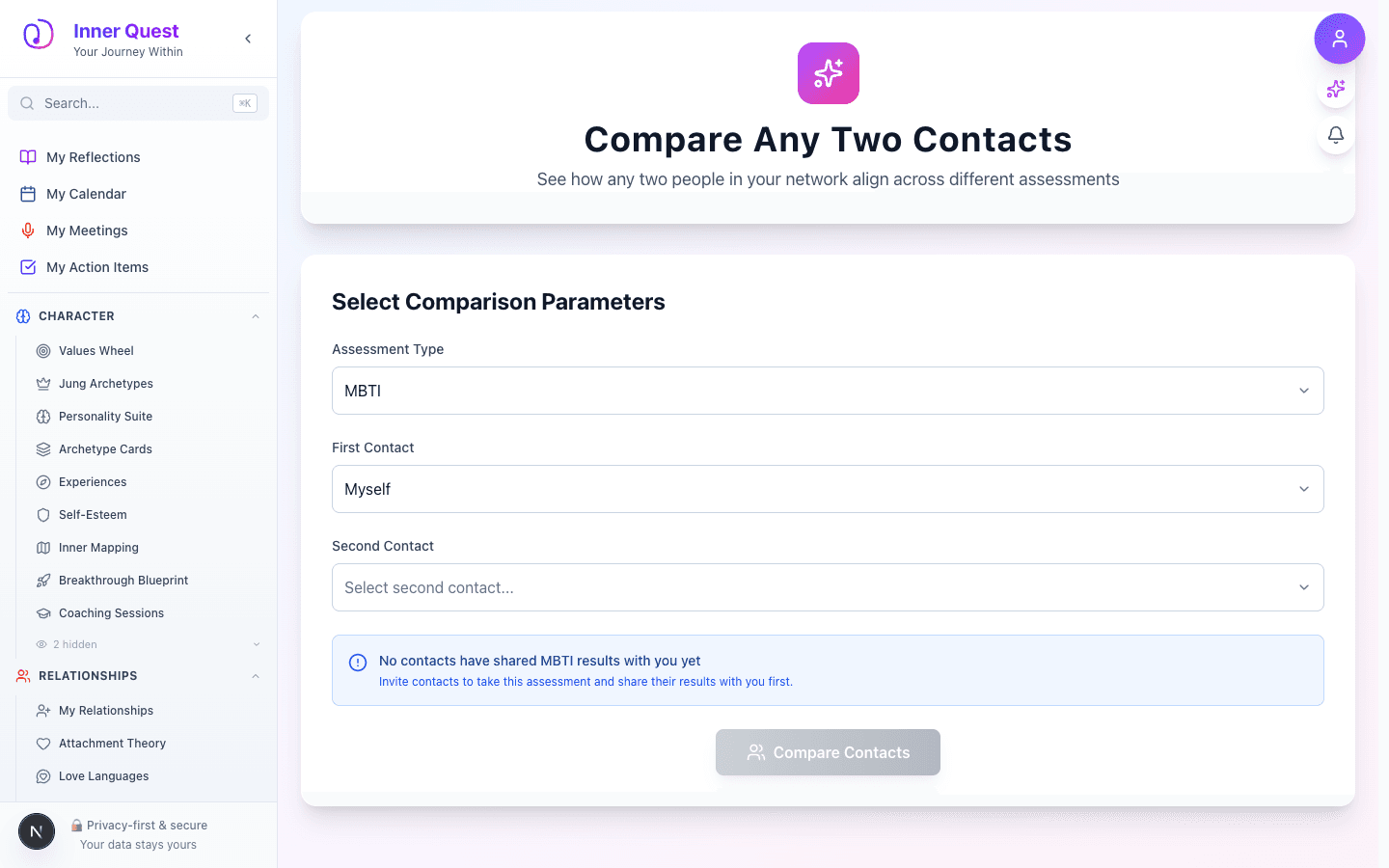
Compare Contacts — Landing State
Opened /compare-contacts.
The landing page showing the initial state and main interface, with contact selectors to choose the two people to compare.
/compare-contacts
/compare-contacts
/compare-contacts
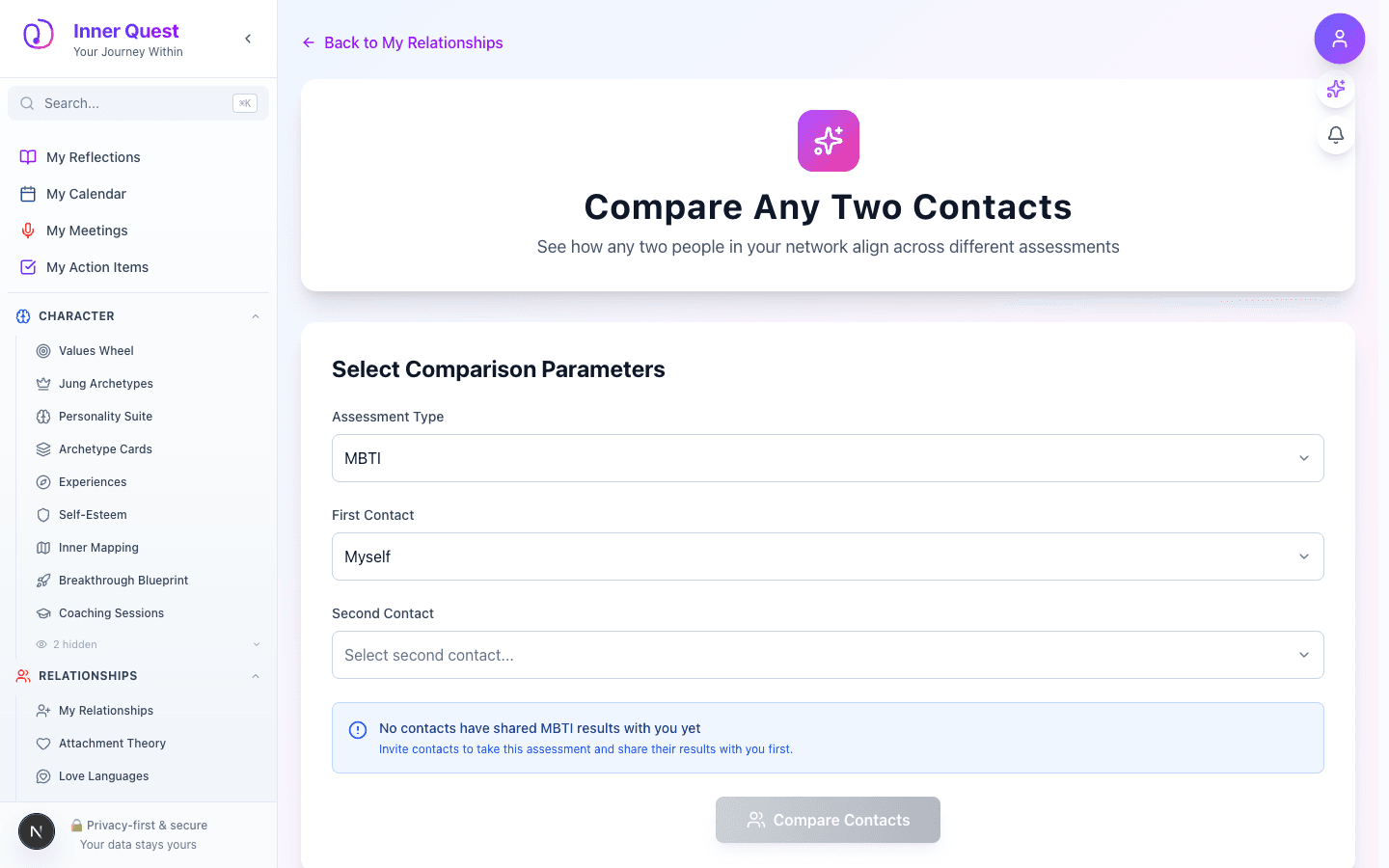
Compare Contacts lets you place two contacts side by side and compare their personality profiles across all available assessments — MBTI, Big Five, DISC, Enneagram, and more. The comparison surface highlights similarities, differences, and potential compatibility or tension points, helping you understand the relational dynamics between any two people in your network.
Imported from Inner Quest's app-owned walkthrough library. The captures are real product evidence, but their original run manifest and detailed interaction log predate Walkthrough Studio, so freshness is not claimed.
Opened /compare-contacts.
The landing page showing the initial state and main interface, with contact selectors to choose the two people to compare.
Scrolled to the next captured section.
Additional content visible after scrolling, including the full side-by-side personality comparison table and compatibility insights.