01
The same calendar, with less visual competition
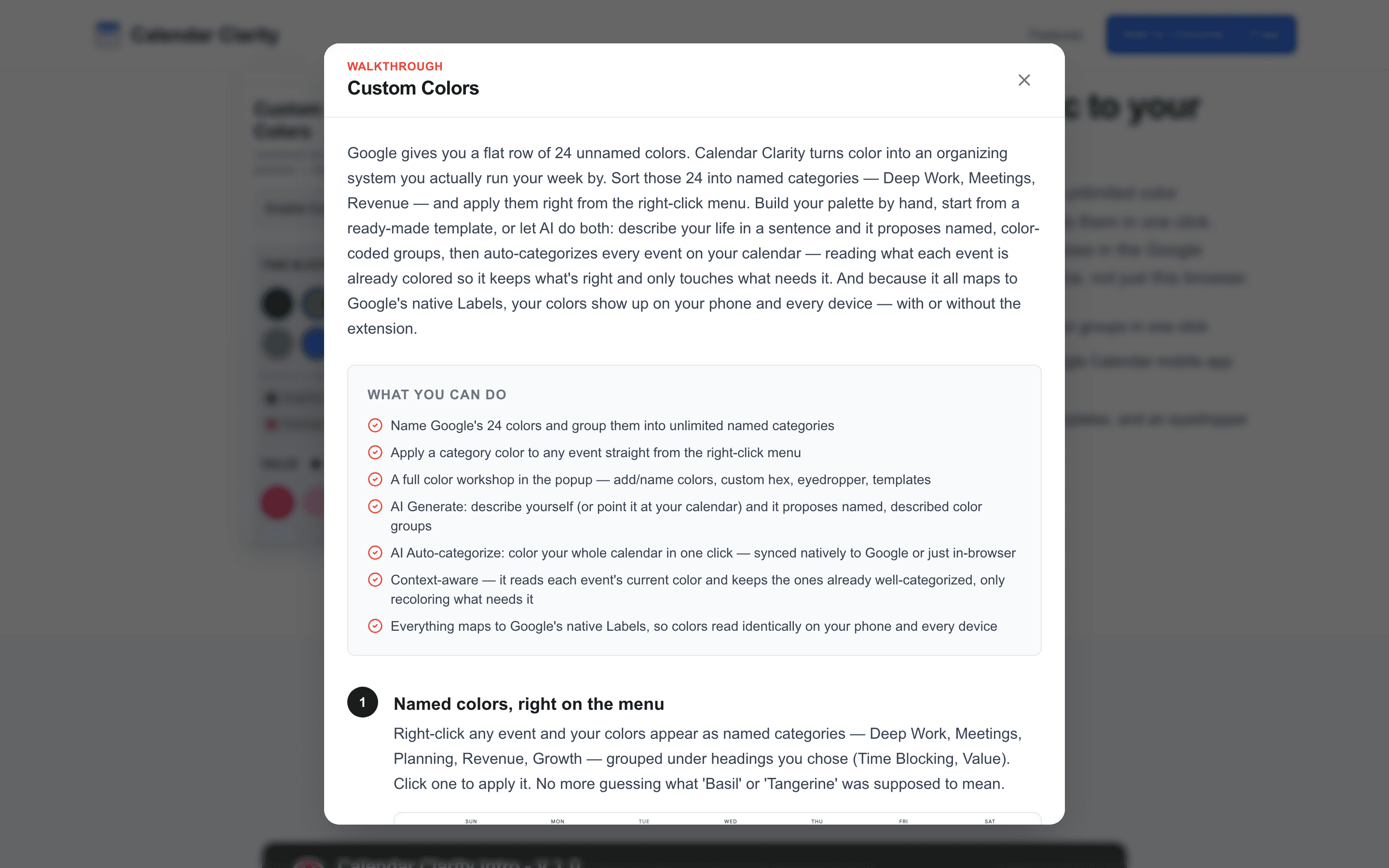
Opened Calendar Clarity.
Before and after states explain the product without asking Priya to abandon Google Calendar or create another account.
/
/
/
A live product-level walk for Calendar Clarity, framed around Priya Shah's actual decision rather than a list of routes.
Opened Calendar Clarity.
Before and after states explain the product without asking Priya to abandon Google Calendar or create another account.
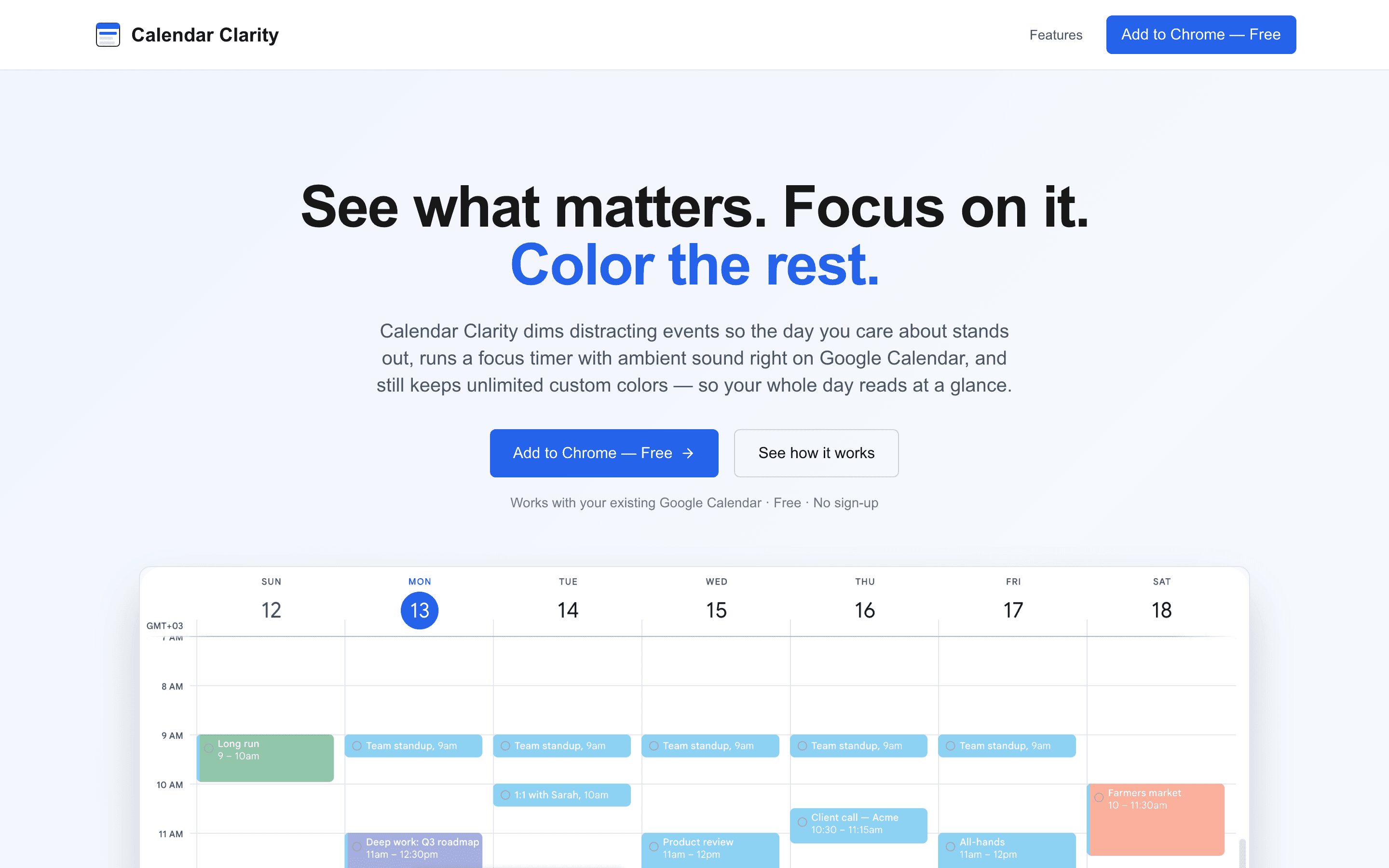
Moved to the feature map.
Visibility, focus, event actions, and colors are presented as distinct tools so Priya can evaluate the part she actually needs.
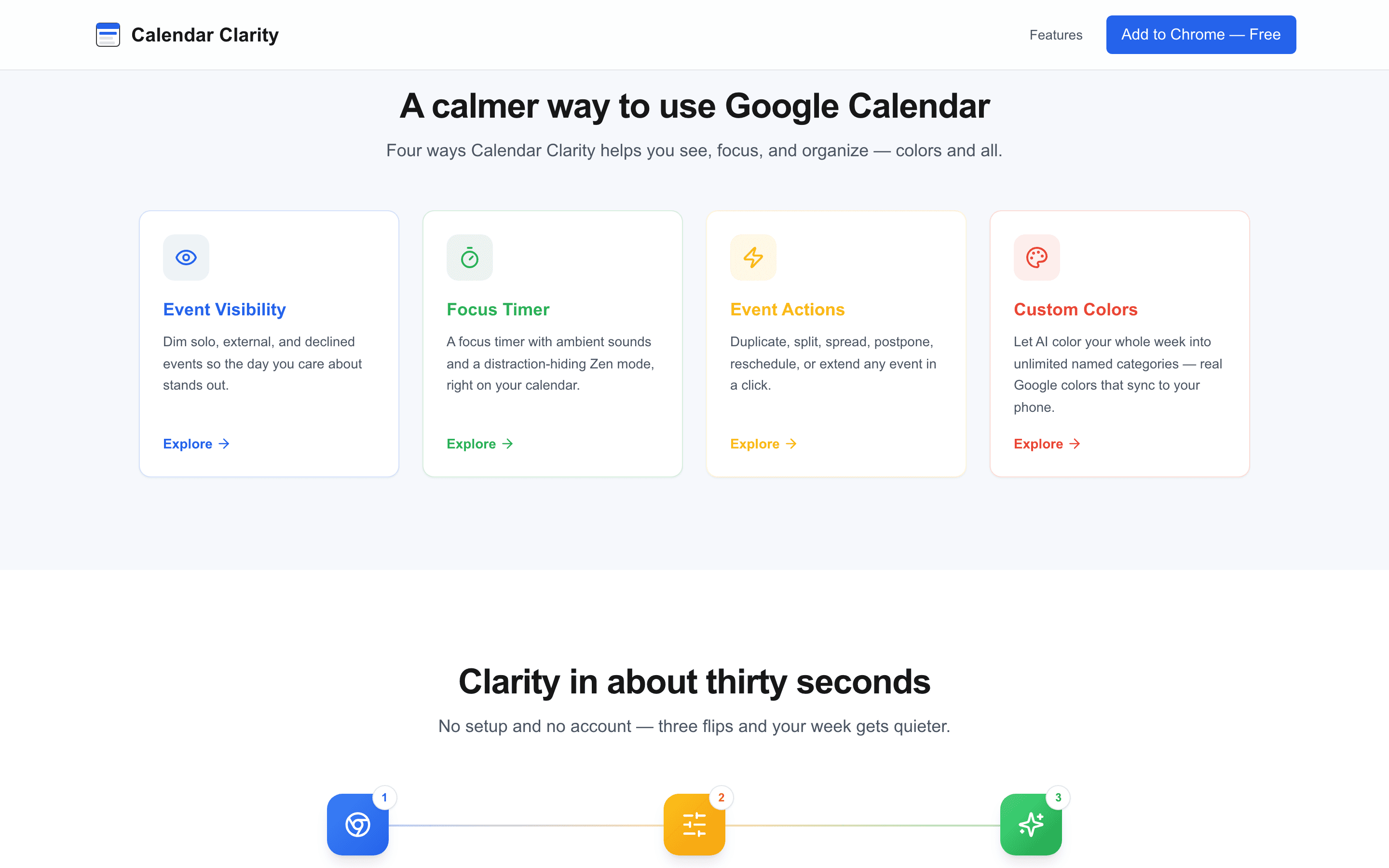
Opened the Event Visibility walkthrough.
Solo, external, declined, and tentative events recede but remain present, preserving awareness without equal visual weight.
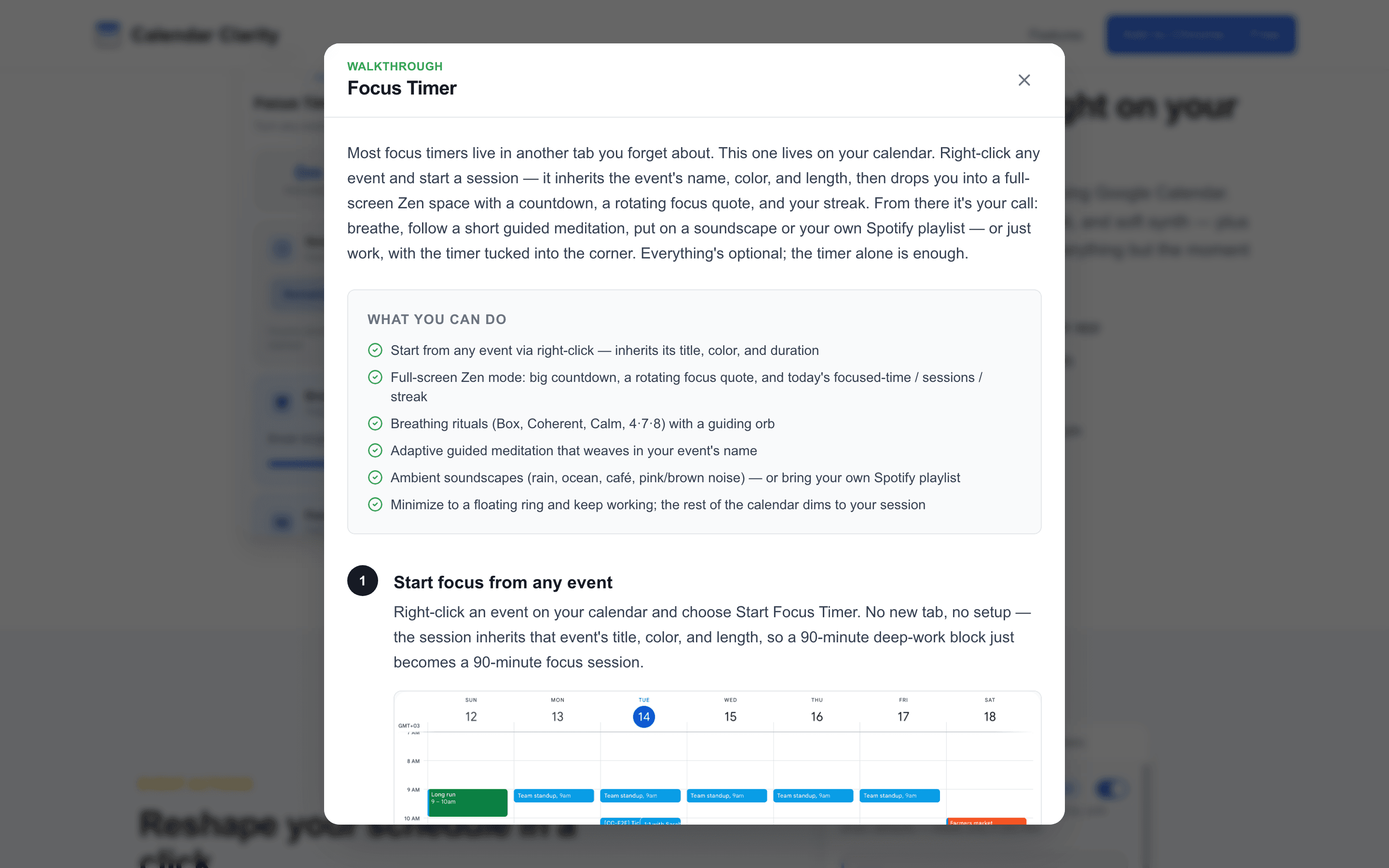
Opened the Focus Timer walkthrough.
The timer, ambient sounds, and Zen mode keep the work session attached to the calendar block that justified it.
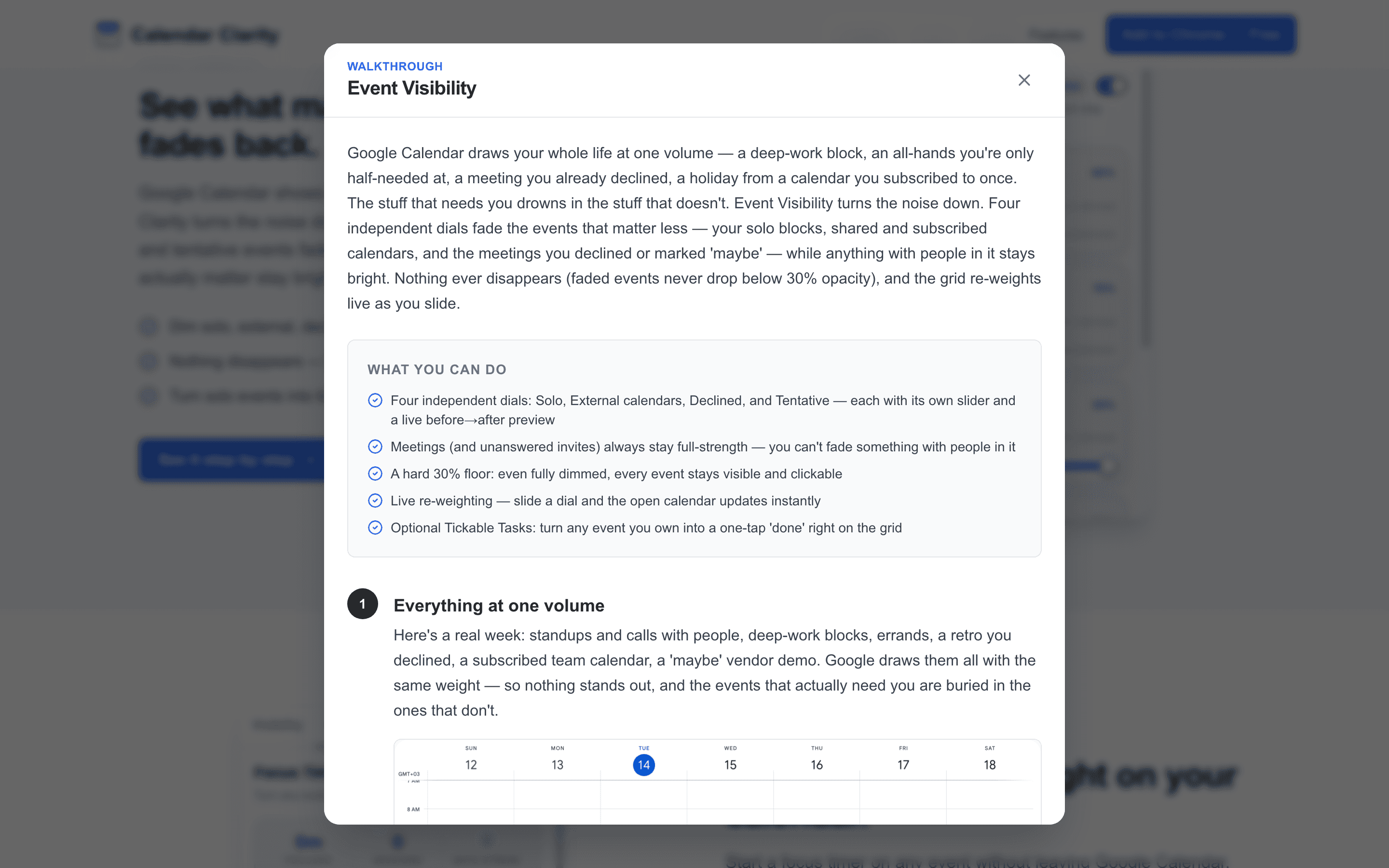
Opened the Custom Colors walkthrough.
AI grouping remains optional, while saved colors use Google's own event colors so they survive on mobile and other devices.