01
The outcome is stated before the machinery
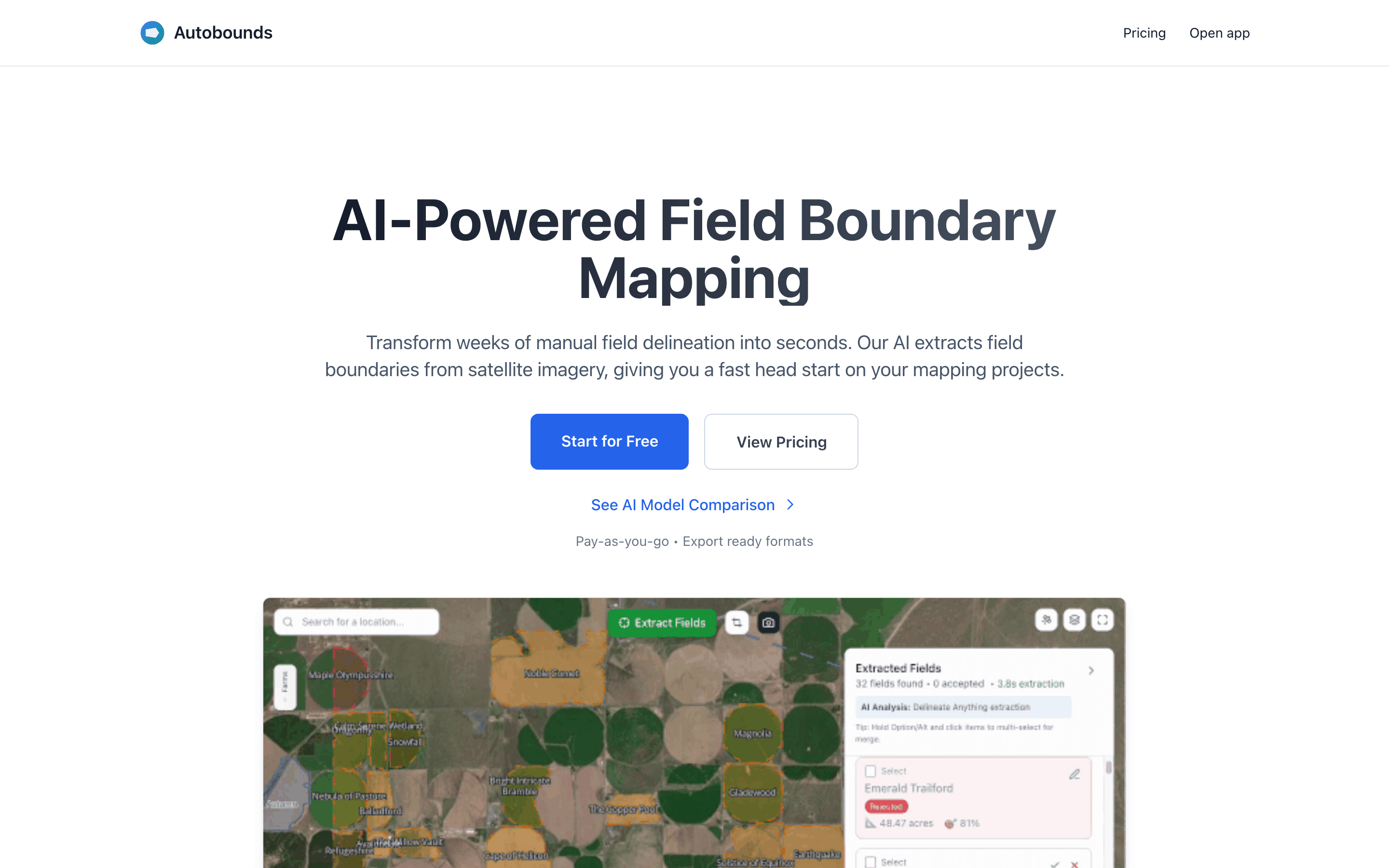
Opened the public AutoBounds product page.
The promise is concrete: turn manual delineation into an export-ready starting point from satellite imagery.
/
/
/
A live product-level walk for AutoBounds, framed around Maya Thornton's actual decision rather than a list of routes.
Opened the public AutoBounds product page.
The promise is concrete: turn manual delineation into an export-ready starting point from satellite imagery.
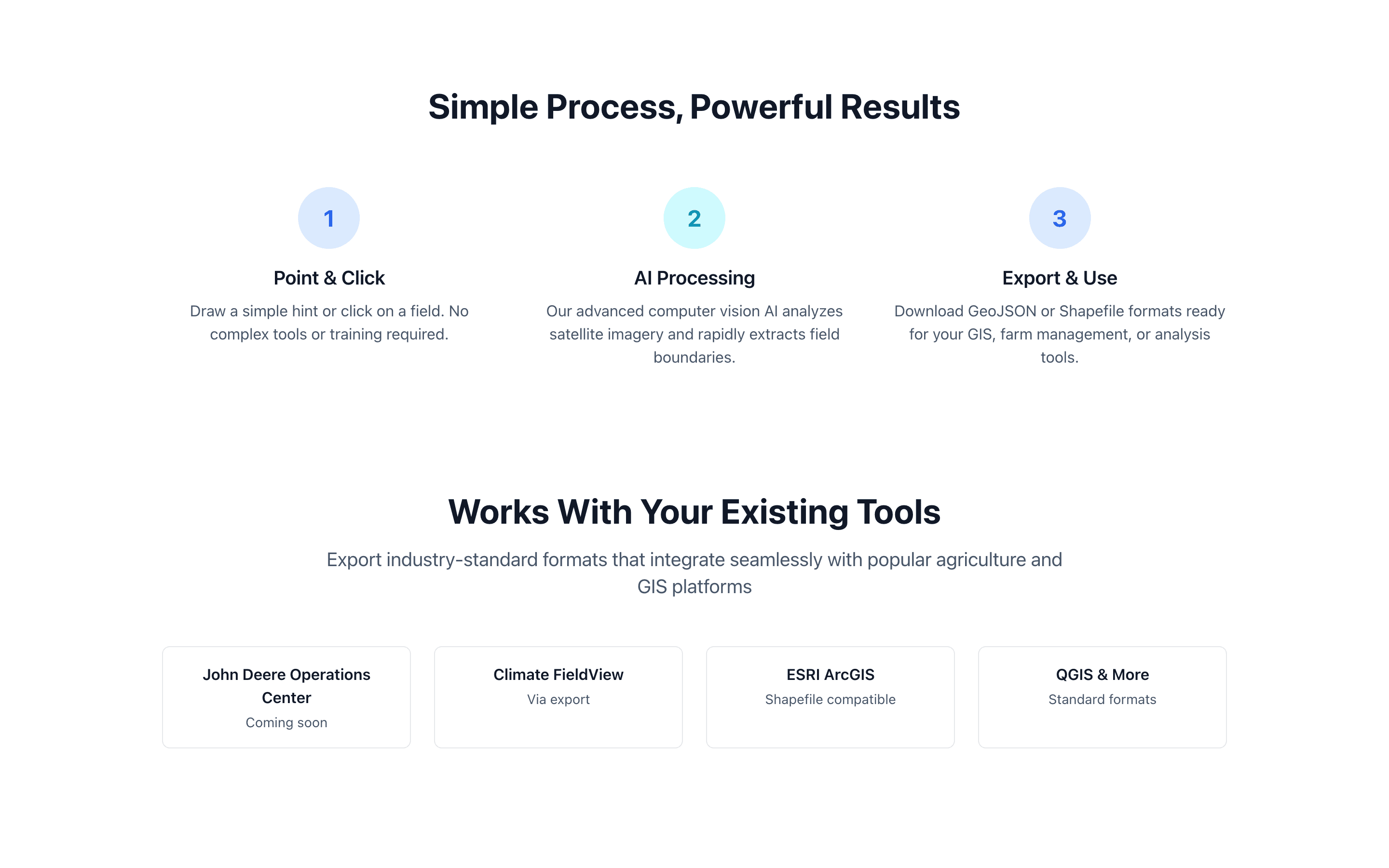
Moved to the three-step workflow.
Maya can see what she must provide, what the model does, and what leaves the system before she evaluates implementation detail.
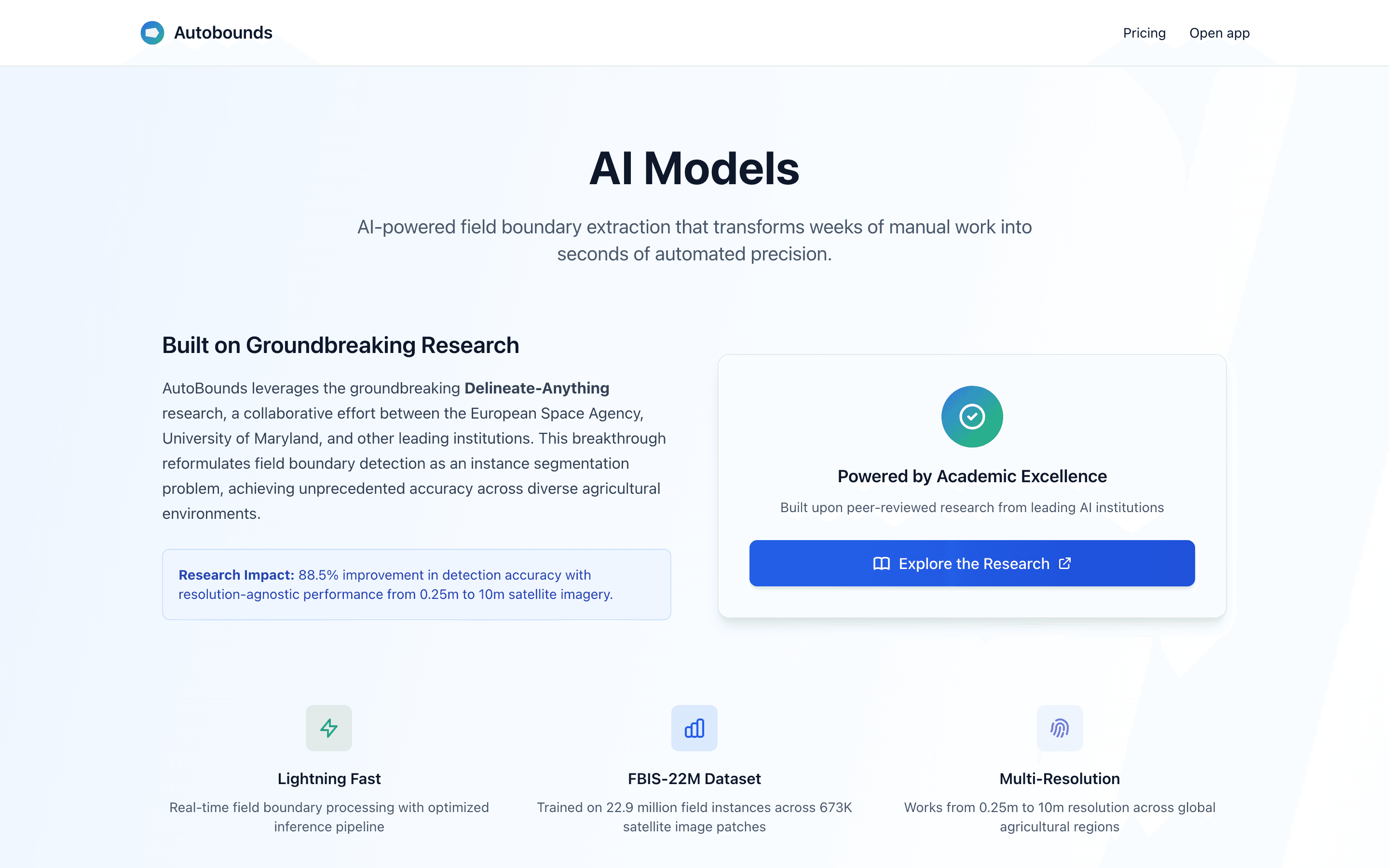
Opened the AI model comparison.
The model page makes speed, prompting, and boundary quality part of the product decision instead of presenting AI as one opaque button.
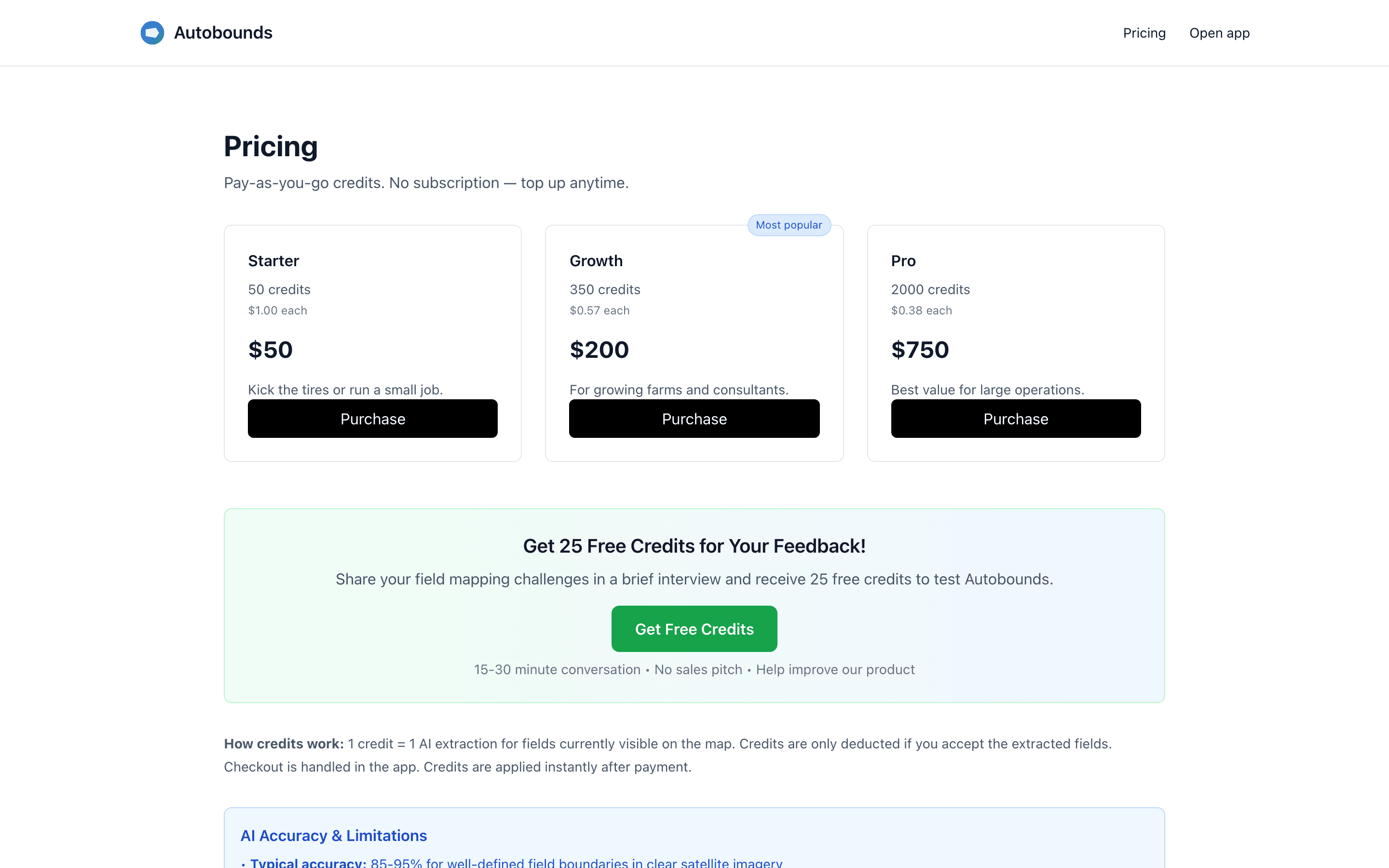
Opened pricing.
Pricing explains that one credit buys one extraction and is deducted only when a result is accepted, which is the operational unit Maya needed.
Opened the production app demo route.
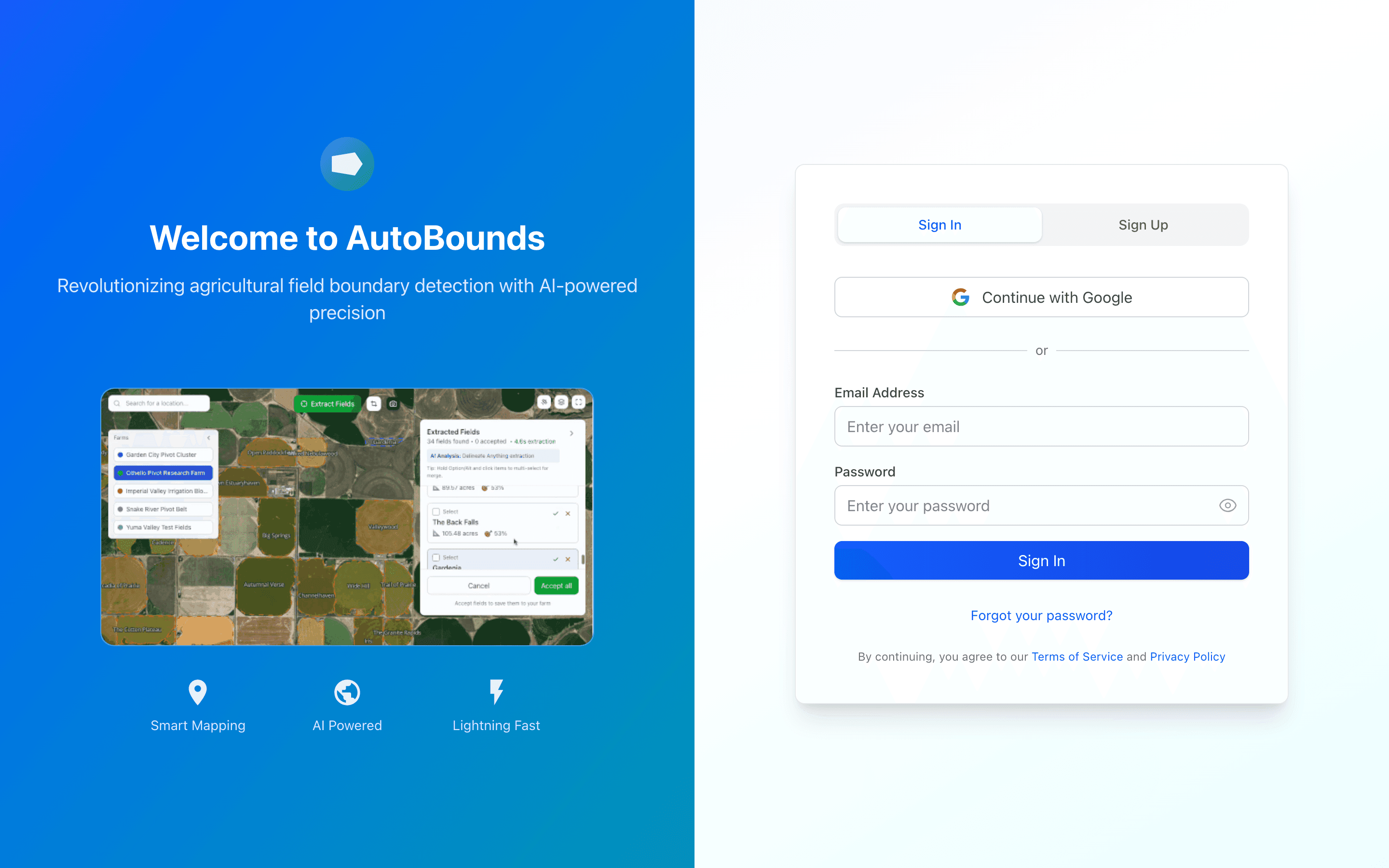
The walkthrough stops honestly at the production sign-in surface; projects, Labs, and exports remain blocked without an authenticated workspace.